
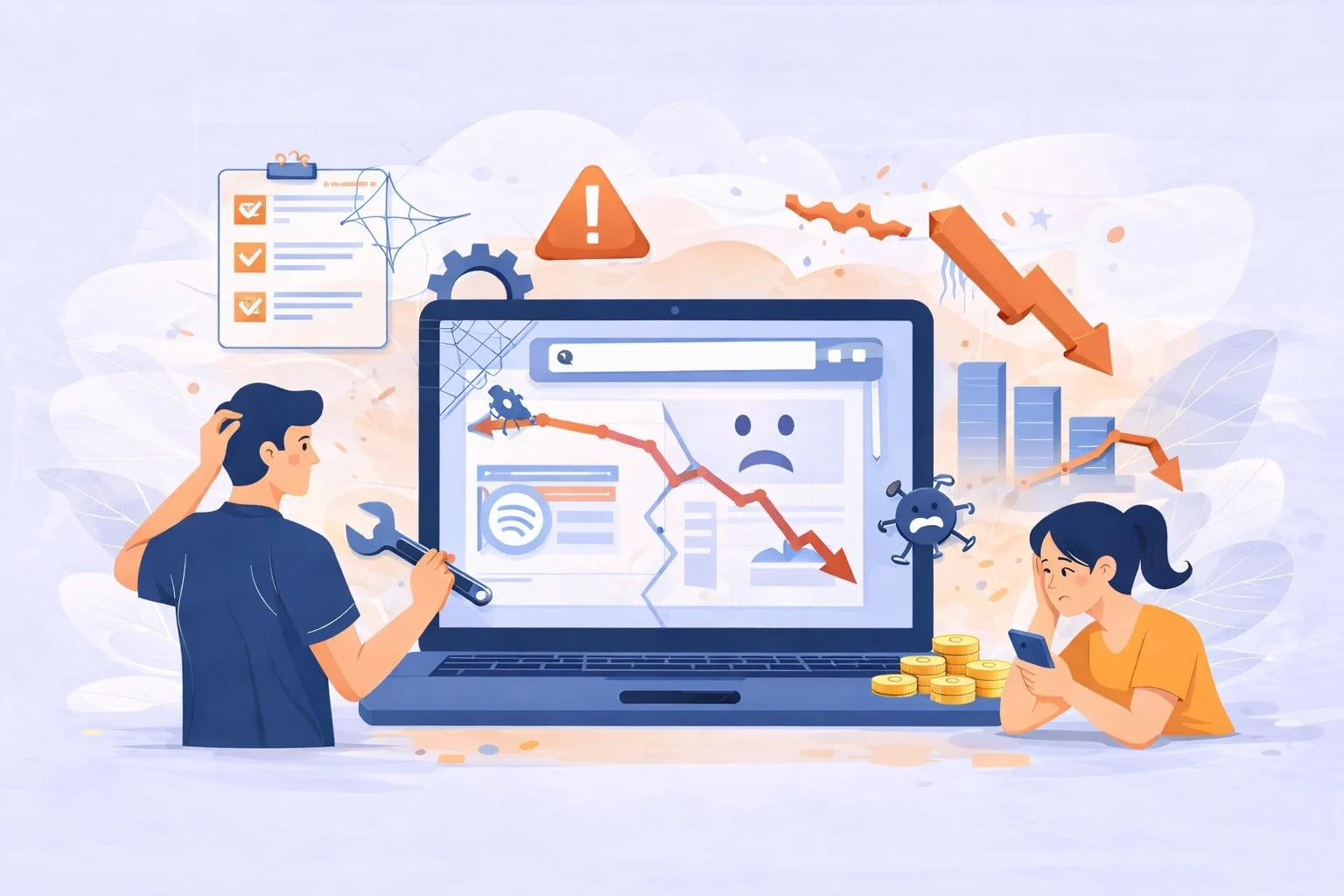
Let’s be honest most website maintenance problems don’t look serious at first. Your site still loads, pages are still there, and nothing seems “broken.” That’s usually why website maintenance gets pushed aside. But this is also how traffic quietly starts slipping away.
Many business owners underestimate the importance of regular updates, even though poor maintenance often becomes the main reason behind declining traffic. This is exactly why understanding why every business needs a website in 2026 is no longer optional for growth.
When website maintenance is ignored, small technical issues slowly stack up. You don’t notice them day to day, but search engines and visitors do. By the time traffic drops, the real cause has often been there for a while.
Here are some of the most common ways poor website maintenance affects your traffic, even when everything seems fine on the surface.
Broken Links and Errors That Block Search Engines
Broken links are easy to overlook, especially on older pages. You might not click those links often, but search engines do.
- Internal links that no longer work
When search engines follow a link and hit a dead end, it disrupts how they understand your site. Important pages may get less attention, not because the content is bad, but because they’re harder to reach. Over time, this weakens your internal structure and slowly affects rankings. - Deleted pages without proper redirects
Removing or changing pages without setting up redirects can create errors that search engines repeatedly run into. When this happens too often, they may crawl your site less frequently. That’s usually when traffic starts to dip and it feels like it came out of nowhere.
Slow Website Speed and Its Impact on Traffic
Website speed usually doesn’t become a problem overnight. It gets worse little by little. When your website loads slowly or frequently shows errors, users leave before taking action. Monitoring these issues early using tools to check website traffic and performance can help prevent long-term traffic loss.
- Too many plugins and heavy files
As your site grows, you install tools to “just try something.” Months later, those tools are still there, quietly slowing everything down. Large images, old scripts, and unused features add weight to your site without you realizing it. - How visitors react to slow pages
When a page takes too long to load, people leave. Not because they don’t like your content, but because they don’t want to wait. Search engines notice this behavior, and over time, slower pages often lose visibility, taking traffic with them.
Website Downtime and Crawling Issues
Downtime doesn’t always announce itself. Unexpected downtime is one of the fastest ways to lose visitors and rankings. If you’ve ever wondered why your website goes down suddenly, poor maintenance is often the root cause.
- Short outages you never see
Your website might go down for a few minutes at night or during low-traffic hours. You don’t notice, but search engines might. If they can’t access your site when they try to crawl it, that can affect indexing and rankings. - No alerts, no awareness
Without monitoring, these issues stay invisible. That’s why regular checks and alerts matter—they let you fix problems before they turn into traffic losses.
Security Problems That Cause Traffic to Drop
Security issues are one of the fastest ways to lose trust. Outdated plugins and unpatched systems not only increase security risks but also damage user trust. Following a proper website maintenance checklist helps ensure your site stays secure and reliable.
- Warnings that scare visitors away
If a browser warns users that your site may be unsafe, most people won’t think twice. They’ll leave immediately. At that point, it doesn’t matter how good your content is—traffic drops fast. - Long recovery time
Even after fixing a security issue, rebuilding trust with search engines and users takes time. Preventive maintenance is always easier than trying to recover lost traffic later.
How Regular Website Maintenance Protects Your Traffic
This is where maintenance makes a real difference. Instead of reacting when something goes wrong, you stay ahead of problems.
- Clear routines instead of guesswork
A simple maintenance checklist keeps things organized. Updates, backups, speed checks, and security scans become part of your routine, not last-minute fixes when traffic is already falling. - A more stable website overall
Regular maintenance helps your site stay fast, accessible, and secure. That stability supports better user experience and gives search engines consistent signals they can trust.
Why Ongoing Website Maintenance Is Better Than Emergency Fixes
Emergency fixes usually happen when traffic has already dropped, and that’s the worst time to react. Fixes feel rushed, stress levels go up, and recovery isn’t always immediate.
With ongoing website maintenance, problems are handled early, often before you even notice them. Instead of wondering why traffic suddenly disappeared, you know your website is being looked after in the background.
Traffic loss often feels sudden. Instead of reacting after traffic drops, many businesses now rely on a professional WordPress maintenance service to keep their website fast, secure, and optimized year-round. Maintenance helps make it predictable and preventable.


One Response