
Your website looks fine today. No errors. No warnings.
But here’s the real question.
Will it still work properly next week? Next month? Most WordPress website problems don’t show up suddenly. They build up quietly.
And that’s exactly why a WordPress website maintenance plan matters. Let’s break this down in a simple way.
What Is a WordPress Website Maintenance Plan?
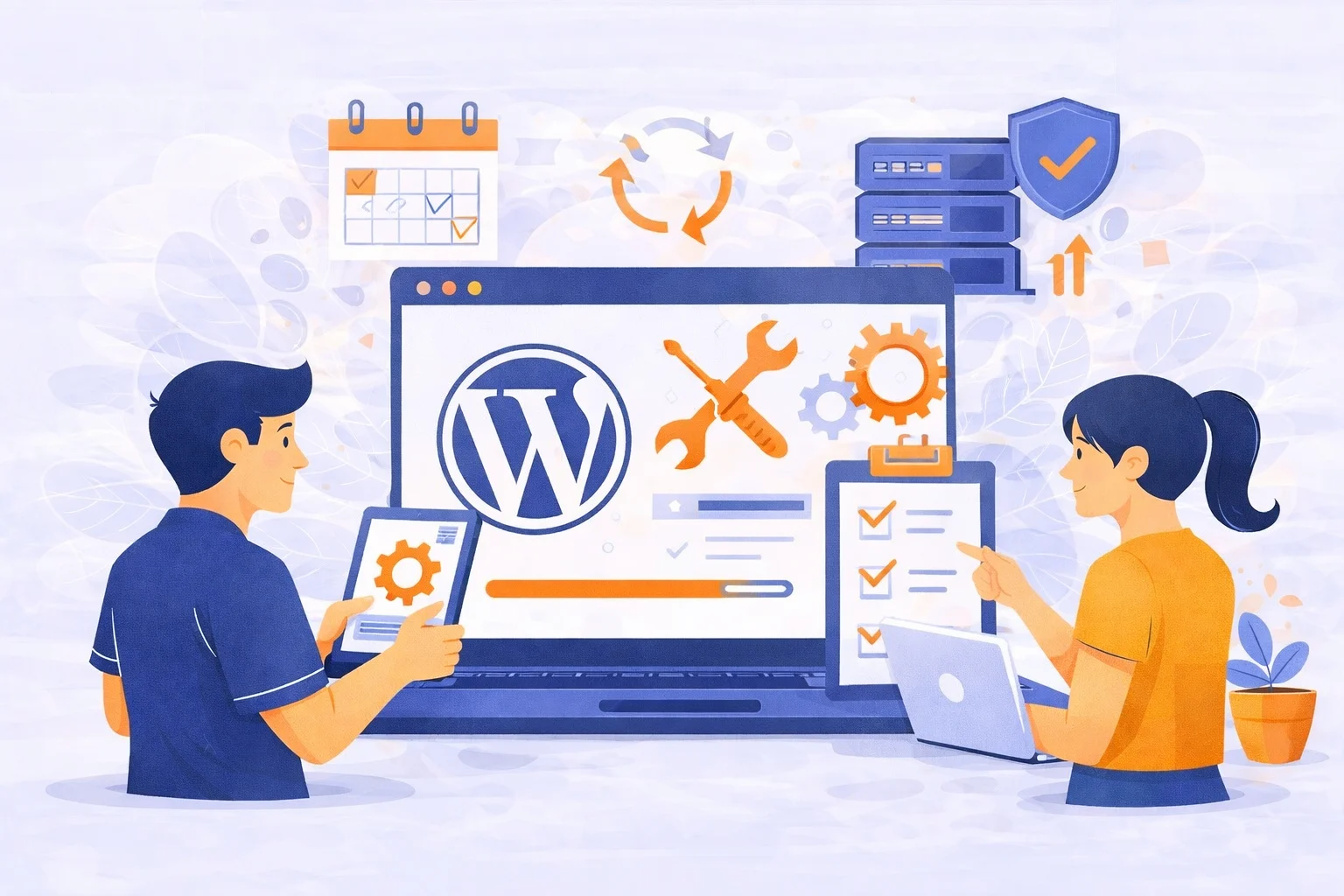
WordPress itself recommends regular updates and security measures to keep websites stable and protected, especially for business sites. A WordPress website maintenance plan is ongoing care for your website.
Not a one-time fix. Not only when something breaks.
It usually includes:
- Regular WordPress updates
- Plugin and theme updates
- Website backups
- Security monitoring
- Performance checks
- Fixing small issues before they turn into big ones
Think of it like this. You don’t wait for your phone to stop working before updating it. Your website works the same way.
“My Website Is Fine. Do I Really Need Maintenance?”
This is the most common thing website owners say. And honestly, it makes sense. If your site looks fine, why spend money on maintenance?
Here’s the truth. Most website issues happen behind the scenes.
- Outdated plugins
- Security vulnerabilities
- Slow loading pages
- Broken forms you don’t notice
- Backups that aren’t actually working
By the time you see the problem, the damage is already done.
What Happens If You Skip Website Maintenance?
Let’s talk about real situations.
1. Your Website Gets Hacked
WordPress is secure. But outdated plugins are not.
Many hacks happen because:
- Plugins aren’t updated
- Security patches are ignored
Once hacked, recovery is expensive and stressful.
👉 You can read more about this in our guide: Why WordPress Websites Get Hacked
2. Your Website Suddenly Breaks
Ever seen this?
- Buttons stop working
- Forms don’t send emails
- Layout looks broken after an update
These issues don’t fix themselves. Without maintenance, small errors pile up.
3. Your Website Becomes Slow
Speed matters.
A slow website means:
- Visitors leave faster
- Lower trust
- Lower conversions
Regular performance checks keep your site fast and usable.
4. You Lose Your Website Data
No backups = big risk. If something goes wrong and you don’t have a recent backup, you may lose:
- Blog content
- Client data
- Website design
A proper maintenance plan always includes tested backups, not just “backup plugins installed.”
Who Actually Needs a WordPress Website Maintenance Plan?
Short answer? Almost everyone. But especially if you are:
- A Business Owner
Your website represents your brand. Downtime = lost trust.
- A Service Provider
If clients contact you through forms or booking systems, maintenance is critical.
- An Online Store Owner
No updates = security risks and payment issues.
- Someone Who “Doesn’t Have Time”
If you don’t want to deal with technical stuff, a maintenance plan saves you time and stress.
What Should a Good WordPress Website Maintenance Plan Include?
Not all maintenance plans are the same. A proper plan should cover these basics.
Regular Updates
- WordPress core
- Plugins
- Themes
Updates are tested, not done blindly.
Security Monitoring
- Malware scans
- Suspicious activity alerts
- Protection against common attacks
Security is proactive, not reactive.
Reliable Backups
- Automated backups
- Stored safely off-site
- Easy restore process
Backups are useless if they can’t be restored.
Performance Checks
- Speed monitoring
- Fixing slow-loading pages
- Database cleanup
Speed affects both users and search rankings.
Ongoing Support
When something feels “off,” you have someone to ask. No guessing. No panic.
Can’t I Just Do Maintenance Myself?
You can. But ask yourself this.
- Do you remember to update every plugin on time?
- Do you check if updates break anything?
- Do you test your backups?
- Do you monitor security logs?
Most people don’t, not because they’re careless.
Because they’re busy. A WordPress website maintenance plan exists so you don’t have to worry about these things.
How a Maintenance Plan Saves You Money
This part surprises many website owners. Maintenance actually costs less than emergency fixes.
- Fixing a hacked site can cost hundreds of dollars
- Downtime can mean lost leads or sales
- Rebuilding a broken site is never cheap
Regular maintenance prevents those situations before they happen.
So, Do You Need a WordPress Website Maintenance Plan?
Here’s the honest answer. If your website matters to your business,
YES, you do.
Not because something is wrong today. But because you want it to keep working tomorrow. A WordPress website maintenance plan gives you:
- Peace of mind
- Better website performance
- Stronger security
- More time to focus on your business
And most importantly, fewer surprises.
Need Help Managing Your WordPress Website?
If reading all of this made you think, “I don’t want to deal with this myself.” You’re not alone. That’s exactly why Manage My Site exists.
We take care of the technical side of your WordPress website so you can focus on running your business.
With our WordPress website maintenance plan, you get:
- Regular WordPress, plugin, and theme updates
- Secure, reliable website backups
- Ongoing security monitoring
- Performance checks to keep your site fast
- Quick support when something doesn’t feel right
No stress. No guessing. No emergency fixes.
Just a website that works.
👉 Learn more about our WordPress maintenance services here managemysite.
If you want a website that stays secure, fast, and reliable without constant worry, a maintenance plan is the smart move.


