
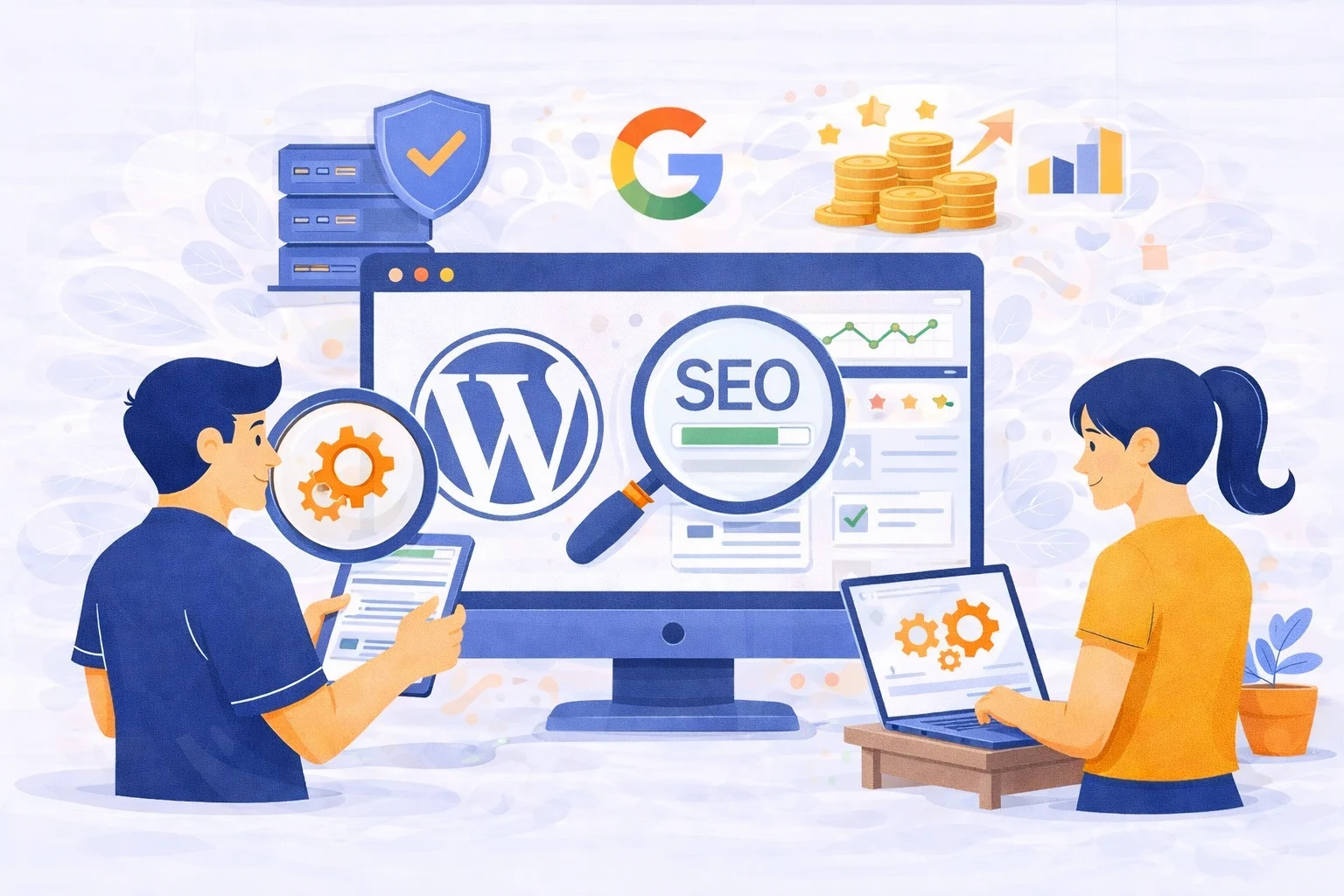
A website is a living digital asset. Many business owners treat their site like a static billboard, but Google views it as a service. If the service is broken, slow, or outdated, Google will stop recommending it. Understanding the link between wordpress maintenance and SEO is essential for any business that relies on organic traffic. Google rewards websites that provide a consistently safe and efficient user experience.
Page Speed Optimization and the Link Between WordPress Maintenance and SEO
Google uses Core Web Vitals to measure the quality of user experience. These metrics focus on loading speed, interactivity, and visual stability. Over time, your website accumulates digital clutter that drags these scores down.
- Regular database cleaning removes old overhead that slows down server response times.
- Persistent image optimization ensures that new media uploads do not increase page weight.
- Script management prevents third-party plugins from delaying the main thread execution.
A site that loads in under two seconds has a much lower bounce rate. When you maintain high speeds, you strengthen the link between maintenance and SEO. Google notices when users stay on your site instead of clicking back to the search results.
Security Integrity and the Link Between WordPress Maintenance and SEO
Security is a primary pillar of the Google ranking algorithm. A hacked website is a liability for the search engine. If your site is flagged for malware, your organic traffic will drop to zero almost instantly.
- Weekly core updates patch security holes that hackers use to steal data.
- SSL certificate monitoring ensures that users always see the secure padlock icon in their browser.
- Regular file integrity scans catch unauthorized changes before Google’s crawlers detect them.
Trust is hard to build but easy to lose. By prioritizing security, you reinforce the link between maintenance and SEO. Google rewards sites that protect their visitors from malicious software and phishing attempts.
Mobile-First Indexing and the Link Between WordPress Maintenance and SEO
Google now uses mobile-first indexing for all websites. This means your mobile site is the version Google uses to determine your ranking. Maintenance is required to ensure your site stays compatible with new mobile browsers and hardware.
- Responsive design audits identify elements that might break on newer smartphone screens.
- Touch target checks ensure that buttons are easy to tap for users on the move.
- Viewport adjustments prevent horizontal scrolling issues that hurt your mobile usability score.
If your mobile version fails, your desktop ranking will suffer too. Maintaining a flawless mobile experience is a non-negotiable part of the link between maintenance and SEO.
Crawlability, Indexing, and the Link Between WordPress Maintenance and SEO
Search engine bots need to navigate your site easily to understand your content. Technical debt, such as broken links and redirect loops, creates roadblocks for these bots.
- Monthly link audits find and fix 404 errors that waste your crawl budget.
- XML sitemap maintenance ensures Google always knows which pages are your most important.
- Robots.txt updates prevent bots from indexing thin or private pages that dilute your SEO value.
A site that is easy to crawl is a site that is easy to rank. Investing in website maintenance ensures that search engines can always find and index your latest updates without friction.
Content Decay and the Link Between WordPress Maintenance and SEO
Information changes fast. Outdated content signals to Google that your website is no longer a fresh source of authority. Content maintenance is just as important as technical maintenance.
- Refreshing old statistics and facts keeps your content relevant for current search queries.
- Fixing broken external links prevents your site from pointing users to dead domains.
- Adding internal links to newer posts helps distribute authority across your entire website.
Google rewards “freshness.” When you actively update your site, you demonstrate a clear understanding of the link between wordpress maintenance and SEO. This habit prevents your competitors from outranking you with more current information.
Preventing Technical Debt with Professional Support
Technical debt is the cost of ignoring small problems until they become massive failures. A site that is neglected for six months often requires a full rebuild.
- Routine backups allow for instant recovery if a new update breaks your layout.
- Plugin audits help remove tools that are no longer supported by their developers.
- Performance monitoring catches gradual slowdowns before they impact your conversion rates.
If you are building a new site, ensure you have a professional website developer who understands long-term scalability. Building it right the first time makes maintenance much easier.
Does your current digital strategy prioritize the link between wordpress maintenance and SEO? Ignoring these technical details is an invitation for your rankings to slip. A well-maintained site is a profitable site.
Don’t Let Your Rankings Fade Away
Your business deserves a website that performs at its peak every single day. Maintenance is the insurance policy for your SEO investment.
Ready to secure your spot at the top of Google?
Contact Manage My Site today for a comprehensive technical maintenance plan. [Secure My Website Today]
Frequently Asked Questions
How does the link between wordpress maintenance and SEO affect my ROI?
Consistent maintenance prevents sudden traffic drops. This ensures your lead generation remains steady and your marketing budget is not wasted on a broken site.
What happens if I stop maintaining my website for a few months?
You will likely see a slow decline in speed and a gradual drop in rankings. Eventually, technical errors or security issues will cause a sharp decrease in traffic.
Does Google really care about broken links?
Yes. Too many broken links signal a neglected website. This leads to a poor user experience, which Google avoids rewarding with high rankings.
Is it better to automate wordpress maintenance or do it manually?
A mix is best. Automation helps with backups, but manual audits are necessary to catch complex technical SEO issues that software might miss.
Can maintenance fix a site that has already lost its rankings?
In many cases, yes. By fixing speed issues, mobile errors, and security vulnerabilities, you can signal to Google that your site is now high quality again.


