
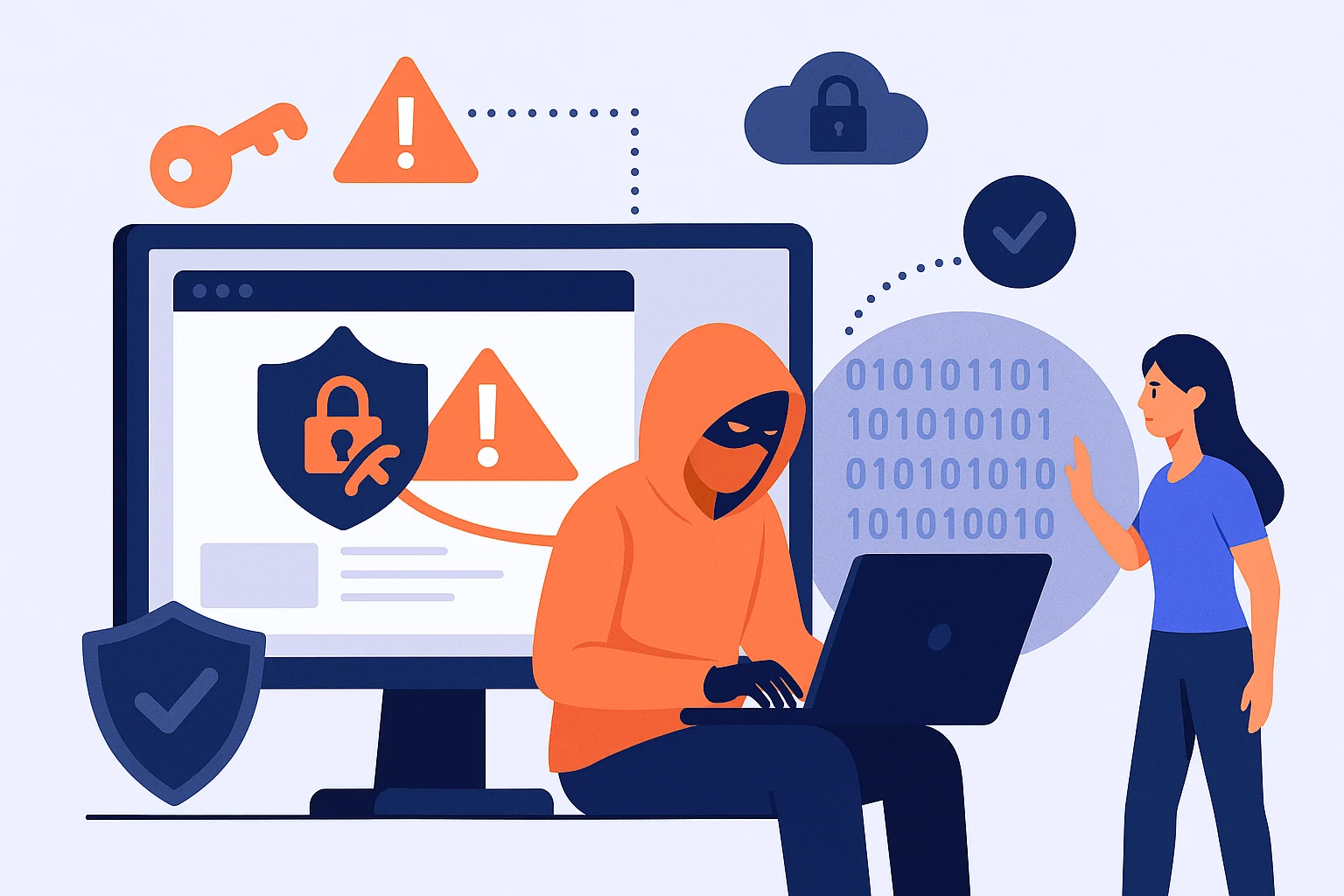
You’ve installed security plugins.
You’ve set up firewalls.
You’ve kept your software updated.
So why wordpress sites get hacked, even when they seem “secure”?
The truth is, “good” security is often only good on paper. Real website security is an ongoing process, not a one-time setup. Let’s break down the reasons behind these breaches and how to keep your website secure.
1. Security Plugins Are Not Bulletproof
Security plugins are a great first step but they’re not magic shields.
- Hackers constantly develop new methods.
- If your plugin isn’t updated regularly, it may miss these new threats.
- Some plugins only block known attacks, not zero-day exploits.
What you can do:
- Choose reputable plugins with active support.
- Update them as soon as new versions are released.
- Don’t rely on just one plugin layer your security.
2. Human Error Is Still the Weakest Link
Even the best tools can’t protect a site from human mistakes.
- Weak or reused passwords.
- Clicking on phishing links.
- Giving admin access to people who don’t need it.
What you can do:
- Use a password manager to generate strong, unique passwords.
- Enable two-factor authentication (2FA) for all accounts.
- Limit admin access only to trusted, trained people.
3. Outdated Software Beyond WordPress
Many site owners keep WordPress updated but forget about:
- Themes.
- Plugins.
- Server software (like PHP).
One outdated component is enough to open a backdoor for hackers.
What you can do:
- Schedule a monthly update check for your whole site.
- Remove plugins or themes you’re not using.
- Ask your hosting provider to keep your server software updated.
4. Hosting Vulnerabilities
Even if your own site is secure, a weak hosting environment can expose you.
- Shared hosting sometimes allows cross-site contamination.
- Poorly configured servers may leave sensitive files accessible.
What you can do:
- Choose a hosting provider known for strong security.
- Ask about firewalls, malware scanning, and intrusion detection.
- Consider a managed hosting plan for extra protection.
5. Hidden Malware and Backdoors
Some hacks leave behind backdoors hidden code that lets attackers back in even after you “clean” the site.
- This is common when malware removal is done manually but incompletely.
- Backdoors can be disguised inside normal-looking files.
What you can do:
- Use professional malware removal tools or services.
- Scan your entire site regularly, not just visible files.
- Keep daily backups so you can restore a clean version quickly.
6. Weak Points Outside the Website
Sometimes, the breach doesn’t start on the website at all.
- Compromised email accounts.
- Infected personal computers of admins.
- Stolen FTP or hosting credentials.
What you can do:
- Secure all related accounts (email, hosting, FTP).
- Keep your computer and devices free from malware.
- Never access your admin panel from public Wi-Fi without a VPN.
7. Overconfidence in “Good Enough” Security
A common trap is thinking, “I’ve done enough.”
Hackers don’t care about that.
- Cyber threats evolve daily.
- What was secure last year may be weak today.
What you can do:
- Treat security as a routine, not a project you finish once.
- Review your setup quarterly.
- Keep learning about new threats.
8. No Incident Response Plan
When a hack happens, speed matters. Without a plan, small problems become big disasters.
What you can do:
- Have a backup and restore plan.
- Know who to contact for emergency cleanup.
- Keep all security-related logins in a secure place.
The Bottom Line
Even with “good” security, no site is untouchable.
Your best defense is staying proactive, updating often, and never assuming you’re 100% safe.
Need Help Keeping Your Website Secure?
At ManageMySite, we make sure your website stays safe, fast, and online so you can focus on your business without worrying about hackers.
- Regular updates and security scans
- Daily backups with quick restore
- 24/7 monitoring and support
Keep your website secure and running smoothly.
Check our plans and pricing here and get peace of mind today.


