WordPress Tips
Build a Website With AI or Canva? Here’s Why Maintenance Still Matters
Let’s be real for a second. We are living in the golden age of “Fast Web.” Let’s be real for a second: we are living in the golden age of

Let’s be real for a second. We are living in the golden age of “Fast Web.” Let’s be real for a second: we are living in the golden age of
How to prevent site breaks after updates is a question that haunts every website owner the moment they see that little red notification circle in their dashboard. We all know
When you first launch your business, you might wonder, “How much does it cost to maintain a WordPress website?” Many owners think the answer is “zero” because they plan to
A website is a living digital asset. Many business owners treat their site like a static billboard, but Google views it as a service. If the service is broken, slow,
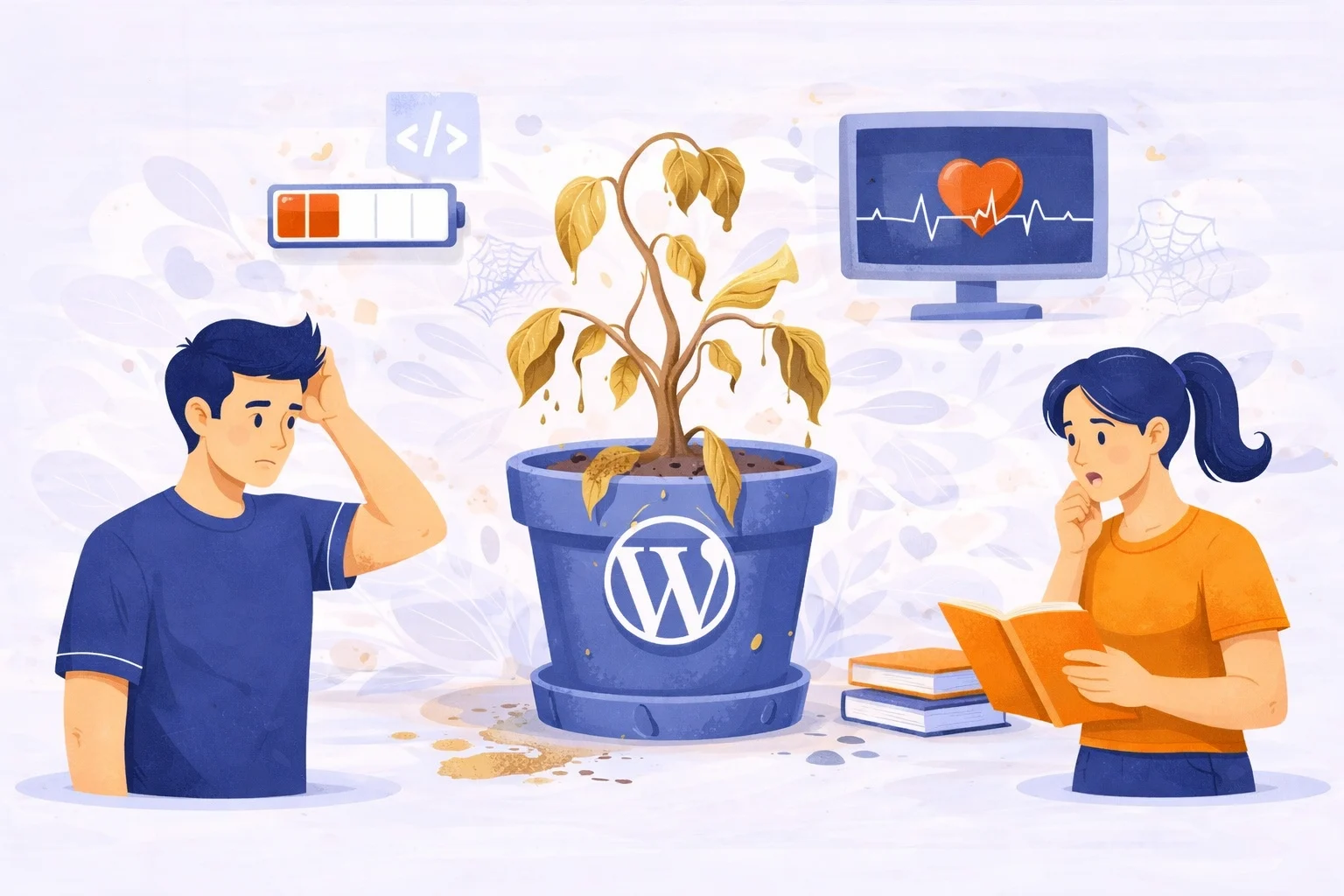
Most business owners treat their website like a billboard. You design it, you put it up on the digital highway, and you walk away. But a WordPress website isn’t a
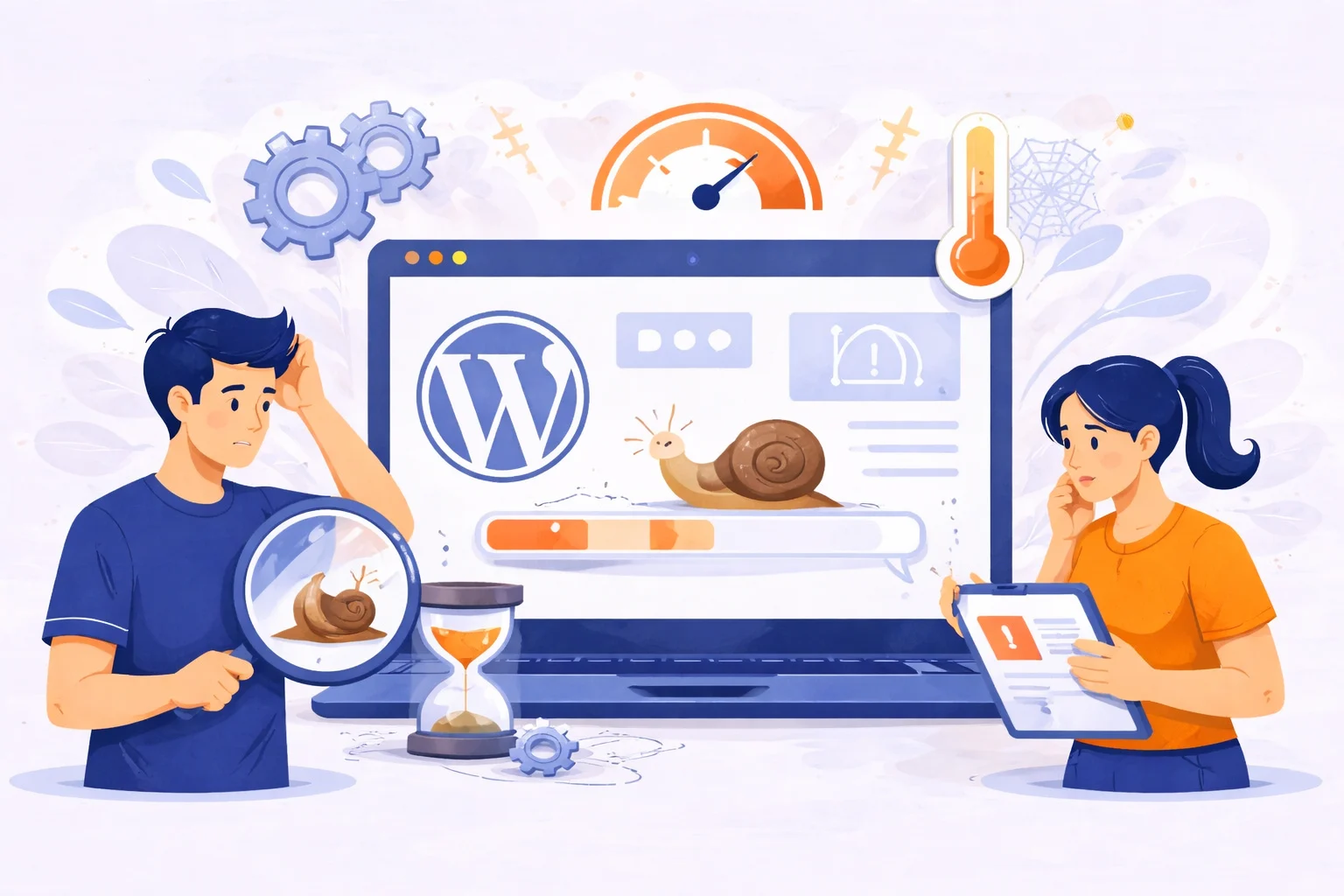
If you’ve ever opened your own website and felt frustrated by how long it takes to load, you’re not alone. Many website owners eventually ask the same question: why is
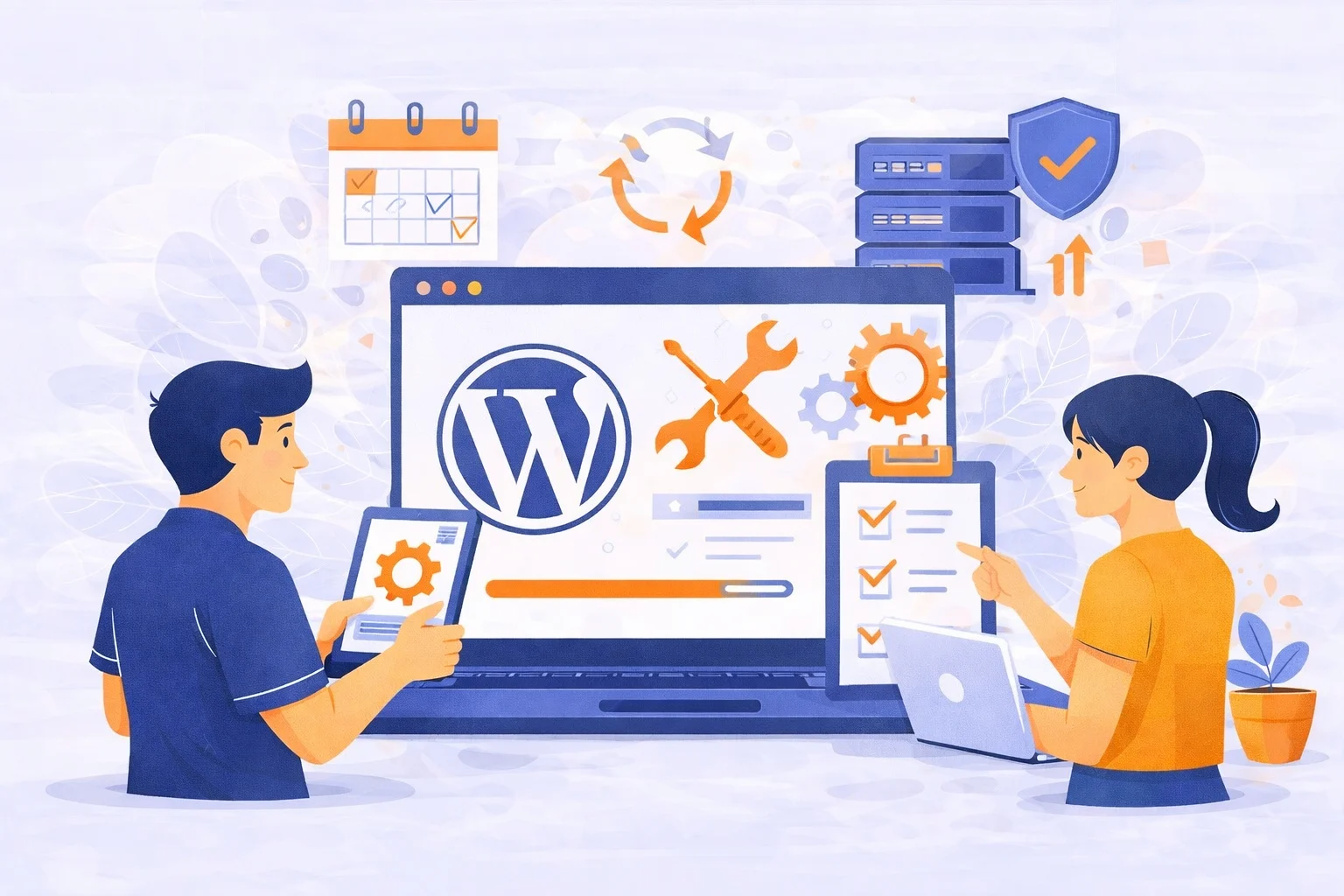
Your website looks fine today. No errors. No warnings. But here’s the real question. Will it still work properly next week? Next month? Most WordPress website problems don’t show up
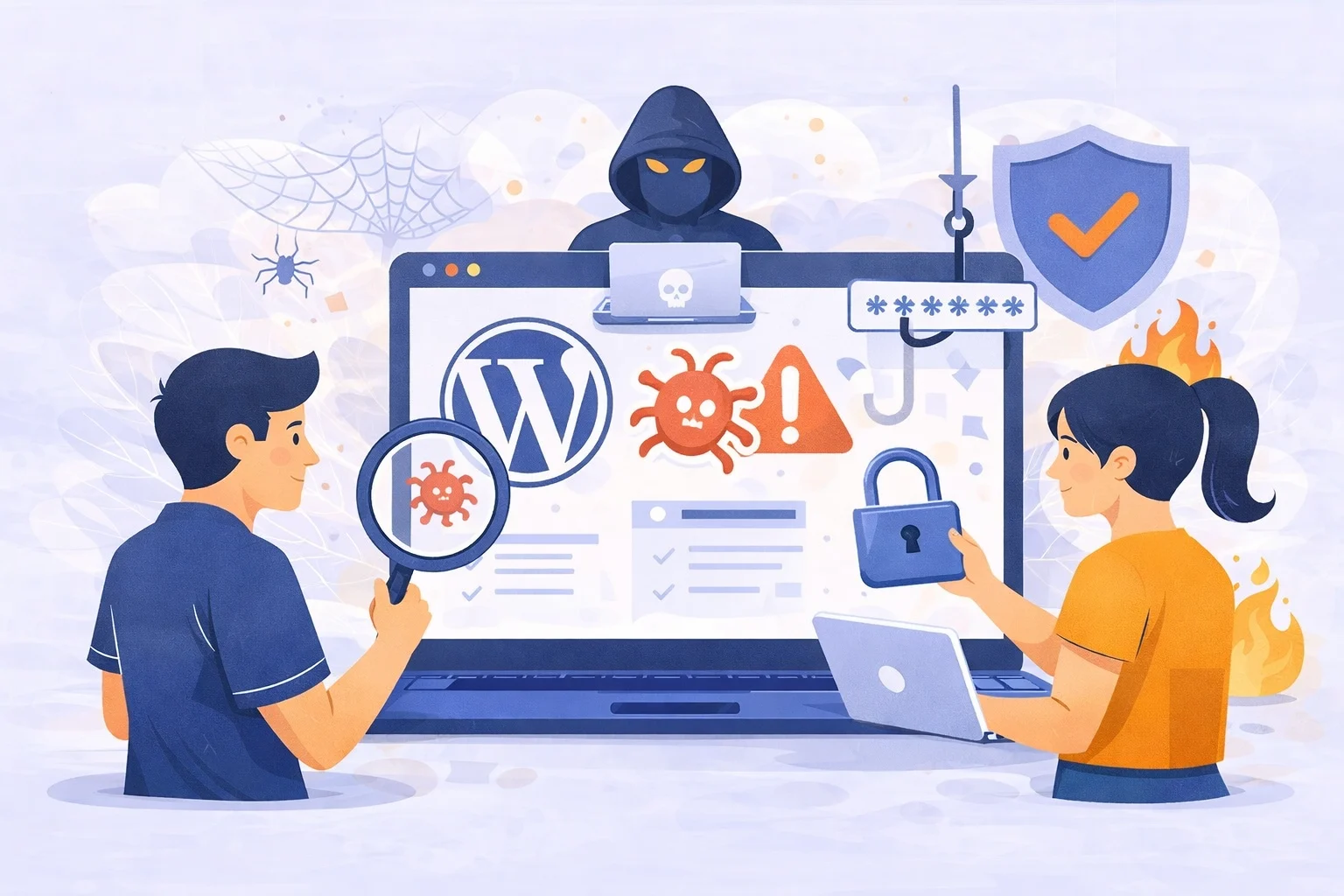
A complete guide to WordPress security, vulnerabilities, hosting, plugins, and hack prevention WordPress powers more than 40% of websites worldwide. That popularity is exactly why hackers target it. This does

When business owners start planning a website, one question almost always comes up: “Should we use WordPress?” WordPress is often treated as the default choice. Many developers recommend it, many
What Does “Manage My Website” Actually Mean? When someone searches for manage my website, they are usually not looking for technical terms. They want their website to work properly without
Let’s be honest most website maintenance problems don’t look serious at first. Your site still loads, pages are still there, and nothing seems “broken.” That’s usually why website maintenance gets

Have you ever published a blog post, launched a website, or shared a link on social media, then wondered if anyone actually visited it? This is where many website owners
A few months ago, I talked to a business owner who said something I hear all the time: “My website was fine yesterday. I don’t know what happened.” Overnight, their

Building a website with AI make it easy to launch a site fast. You answer a few questions, choose a style, and the system creates pages, layouts, and content automatically.
WordPress maintenance encompasses the systematic tasks required to keep a WordPress website operational, secure, and performant over time. This process involves updating software components, monitoring site health, and addressing potential
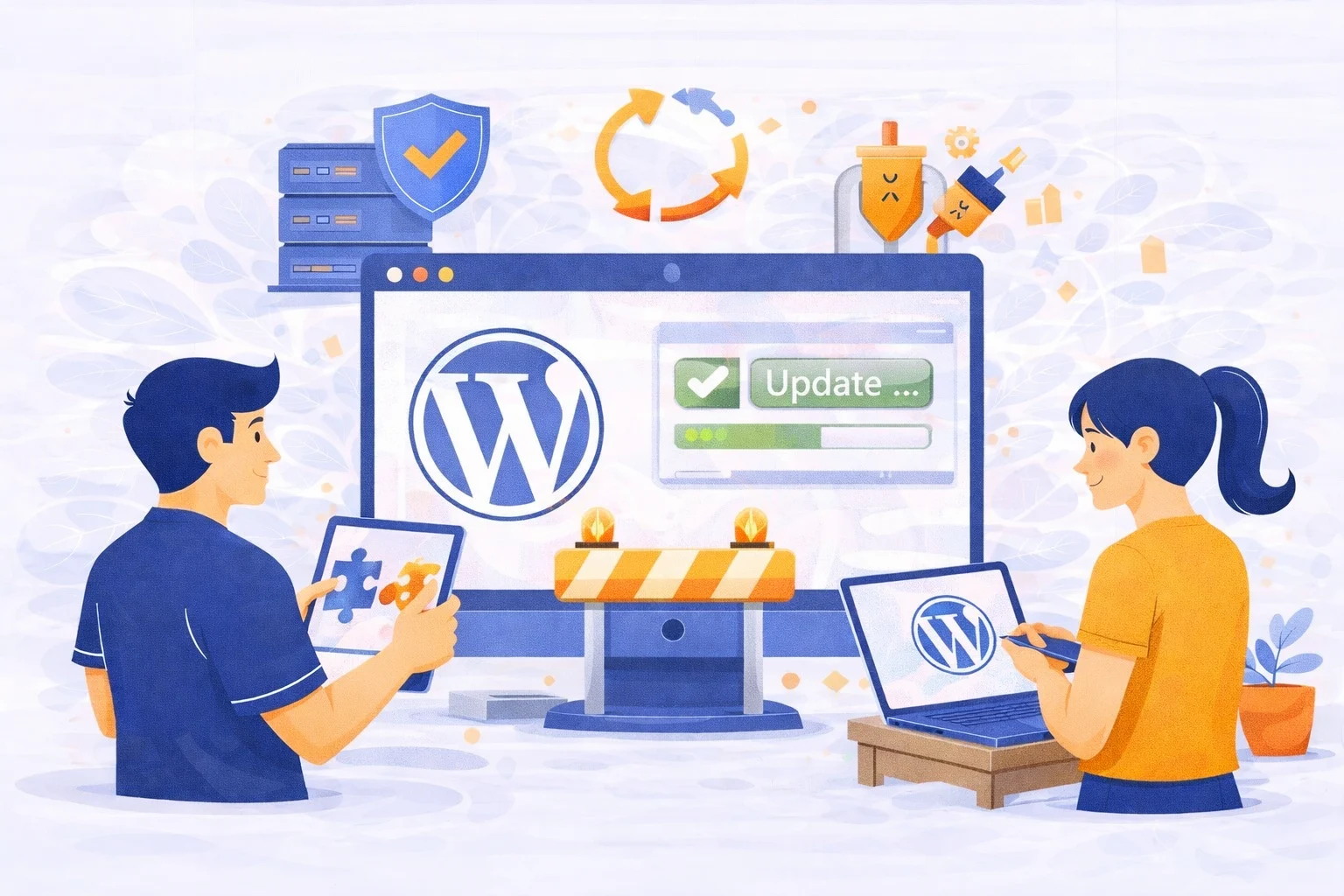
WordPress Update Manager Service is the most critical investment you can make to ensure your business remains online and secure. We’ve all been through the same stress: you log into
Be honest. How many times have you said: “I’ll fix the website later.” Then later comes… An error, a broken page, a slow site. Or worse your website is down.

When your website is slow, buggy, or suddenly goes down, it can instantly affect your business. That’s why many business owners look for professional WordPress support something reliable, quick, and

Running a business is already a lot of work.Your website shouldn’t add more stress. But if you’ve ever experienced a slow page, a broken plugin, or a surprise error right
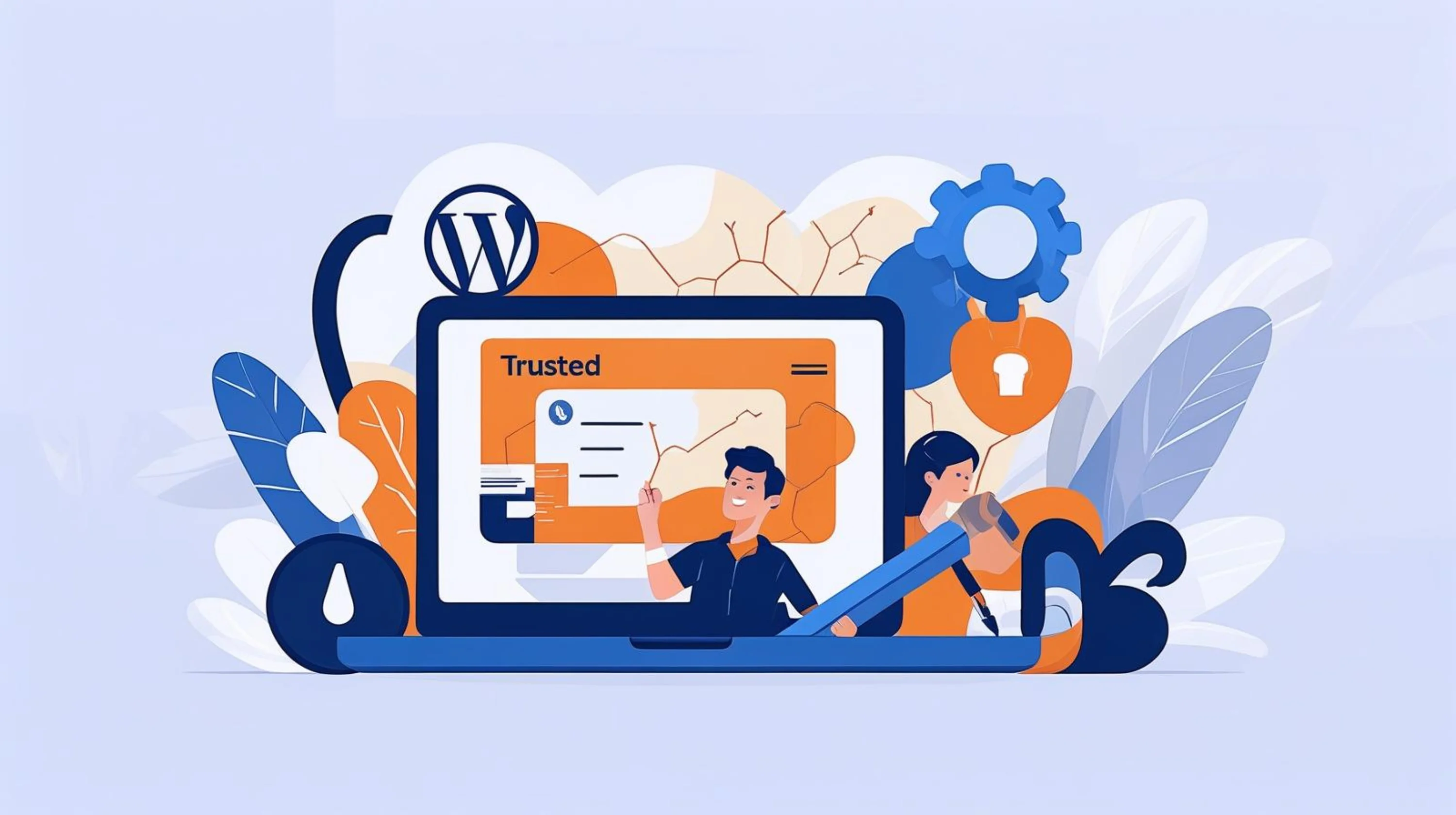
Keeping your site healthy doesn’t have to feel overwhelming. With trusted WordPress maintenance, you get safe updates, fewer errors, and a website that runs smoothly every day. Manage My Site helps you handle plugin updates, theme updates, and core upgrades without the stress.
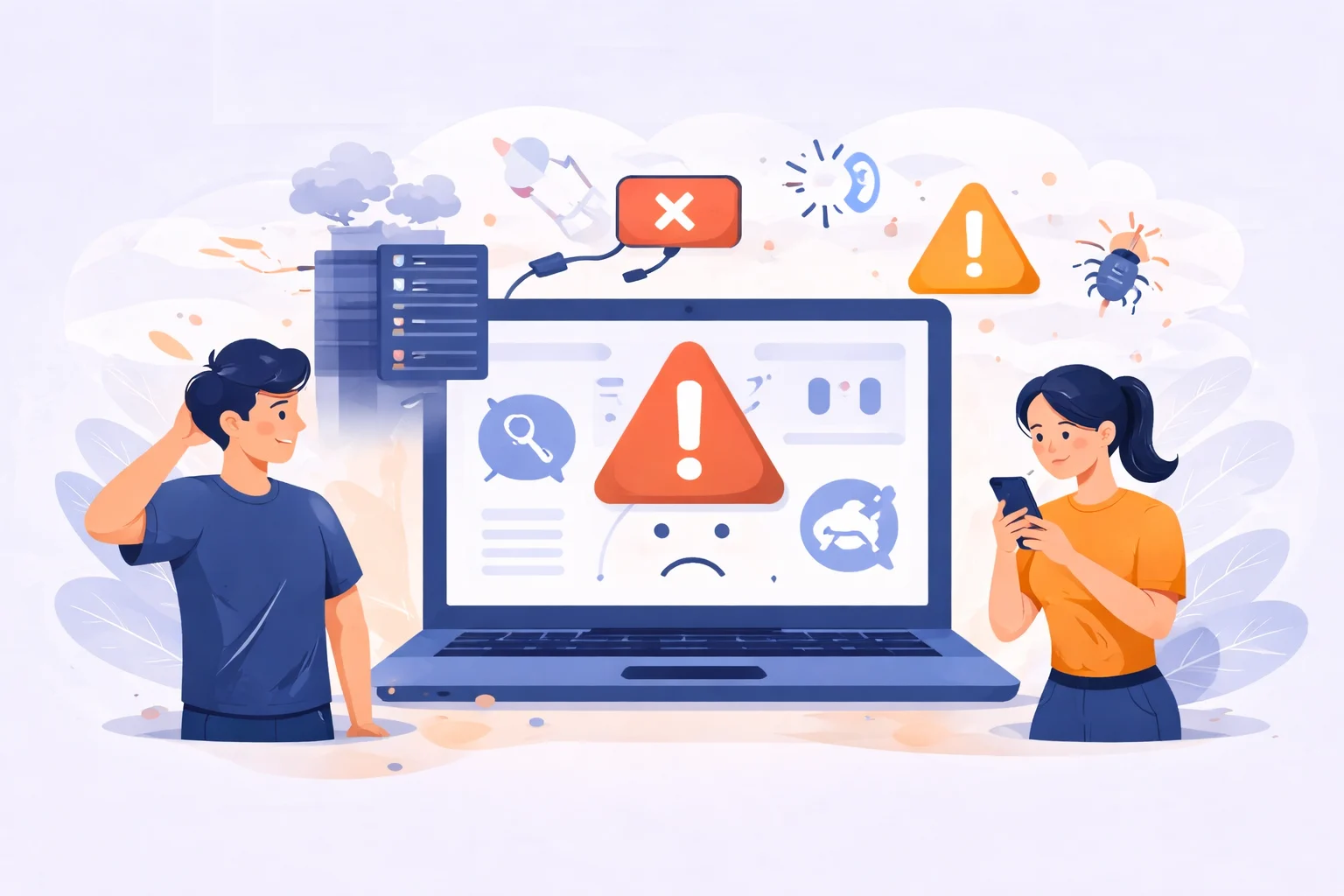
Your website can fail overnight plugins crash, updates go wrong, or hackers strike. Learn how regular website maintenance and strong website security
Your website isn’t something you set and forget it’s a living part of your business. Without regular website maintenance, small issues can turn into costly problems. Learn how to keep your site fast, secure, and performing at its best before it’s too late.
Regular website maintenance is essential to keep your site fast, secure, and optimized for search engines. Learn how consistent updates and technical care can strengthen your SEO performance and boost traffic.
Old posts can quietly hurt your website if you ignore them. Learn how to clean up old content and keep your site healthy with simple steps like updating, merging, or removing outdated pages. Keep your site fresh, easy to navigate, and trustworthy for your visitors.

Cheap hosting vs quality hosting often confuses beginners. This guide explains the real pros and cons, helping you decide which hosting solution truly supports your website’s growth and reliability
Blogging may not be the newest trend, but in 2025 it continues to shape how small businesses connect with their customers. The impact of blogging goes beyond SEO it helps build trust, share stories, and create long-term growth that ads alone can’t deliver.
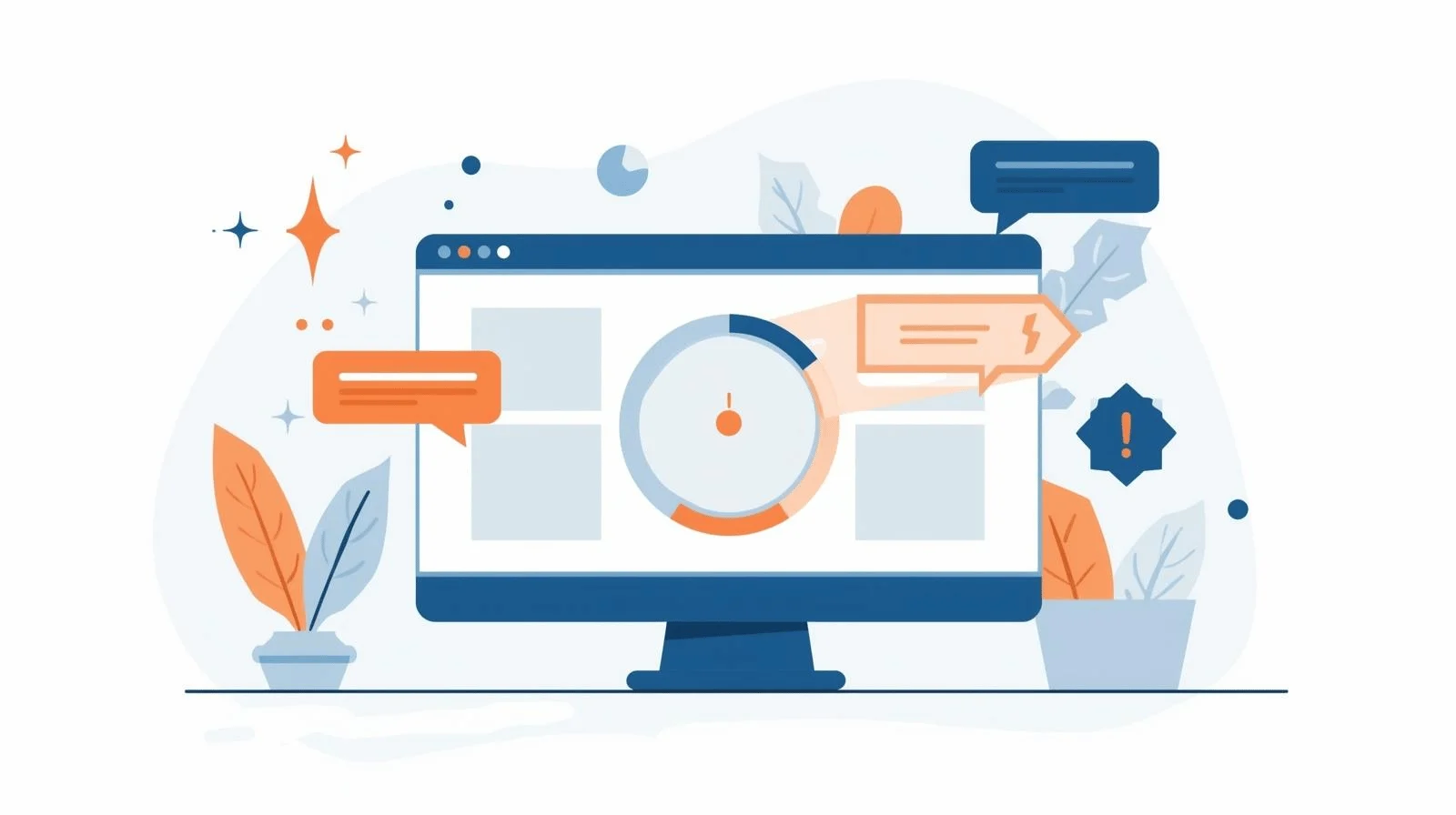
Website issues can ruin a first impression fast. From broken links to slow performance, even small errors push visitors away. Learn proven ways to spot and fix website issues before your site goes live, so every visitor enjoys a smooth and reliable experience.

Many website owners unknowingly repeat the same maintenance mistakes that hurt performance and security. This guide shows you how to avoid them and keep your site safe and effective.
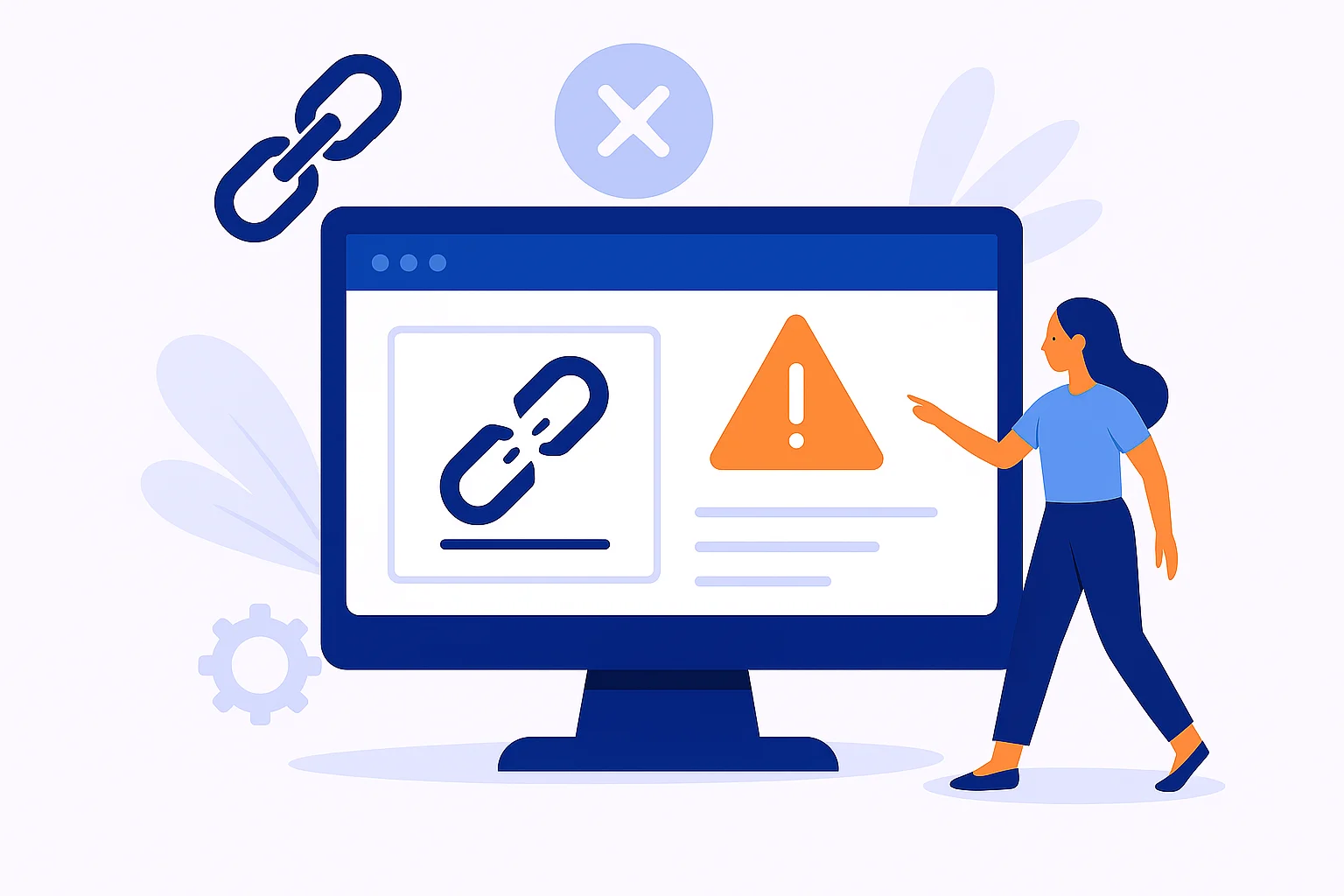
Check Broken Links – Why It’s More Important Than You Think Check broken links might sound like some boring technical thing, but let’s be real everyone has felt the frustration
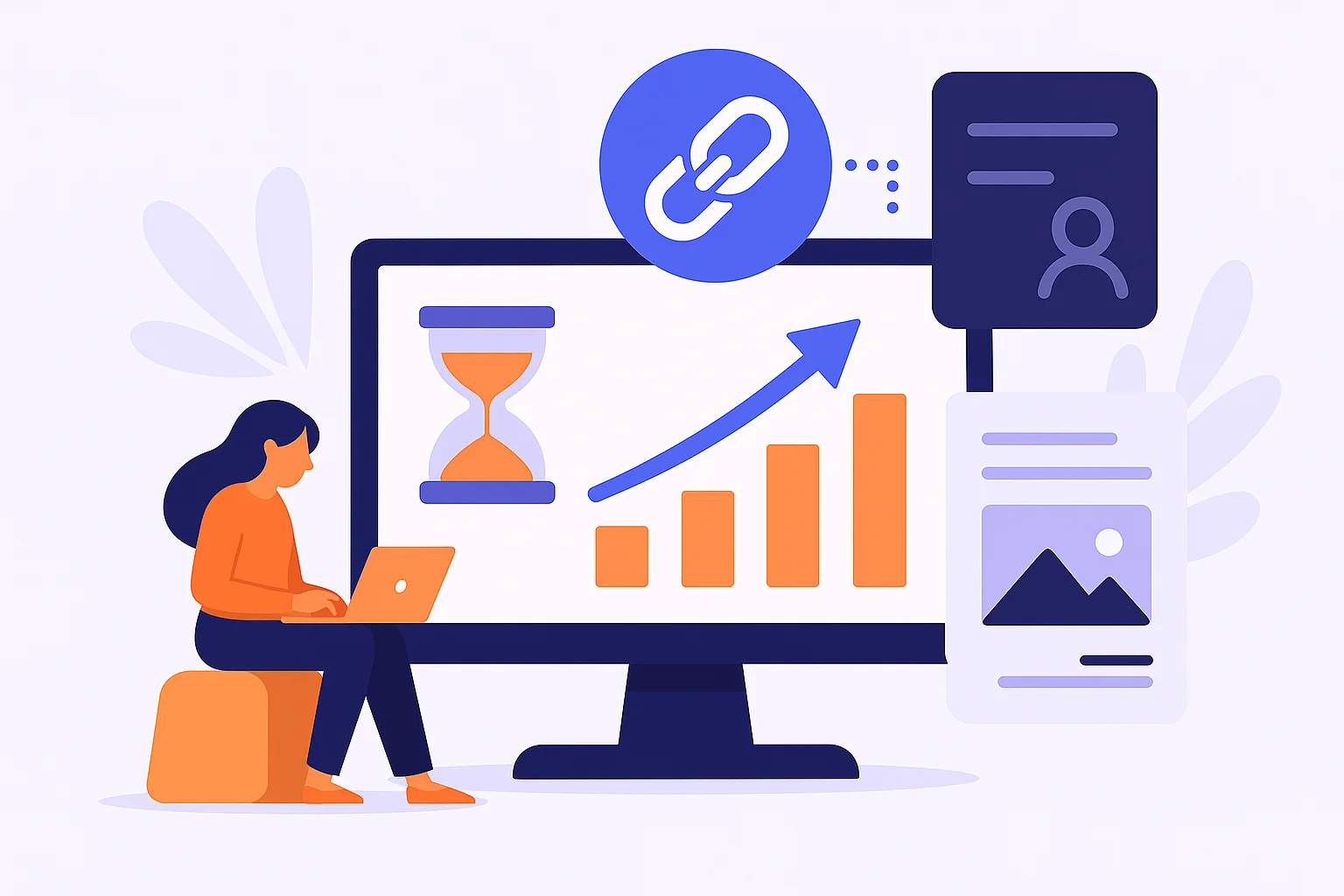
Building backlinks doesn’t have to mean spamming. In this guide, you’ll discover beginner-friendly tactics on how to build backlinks that work through content, outreach, and real connections.
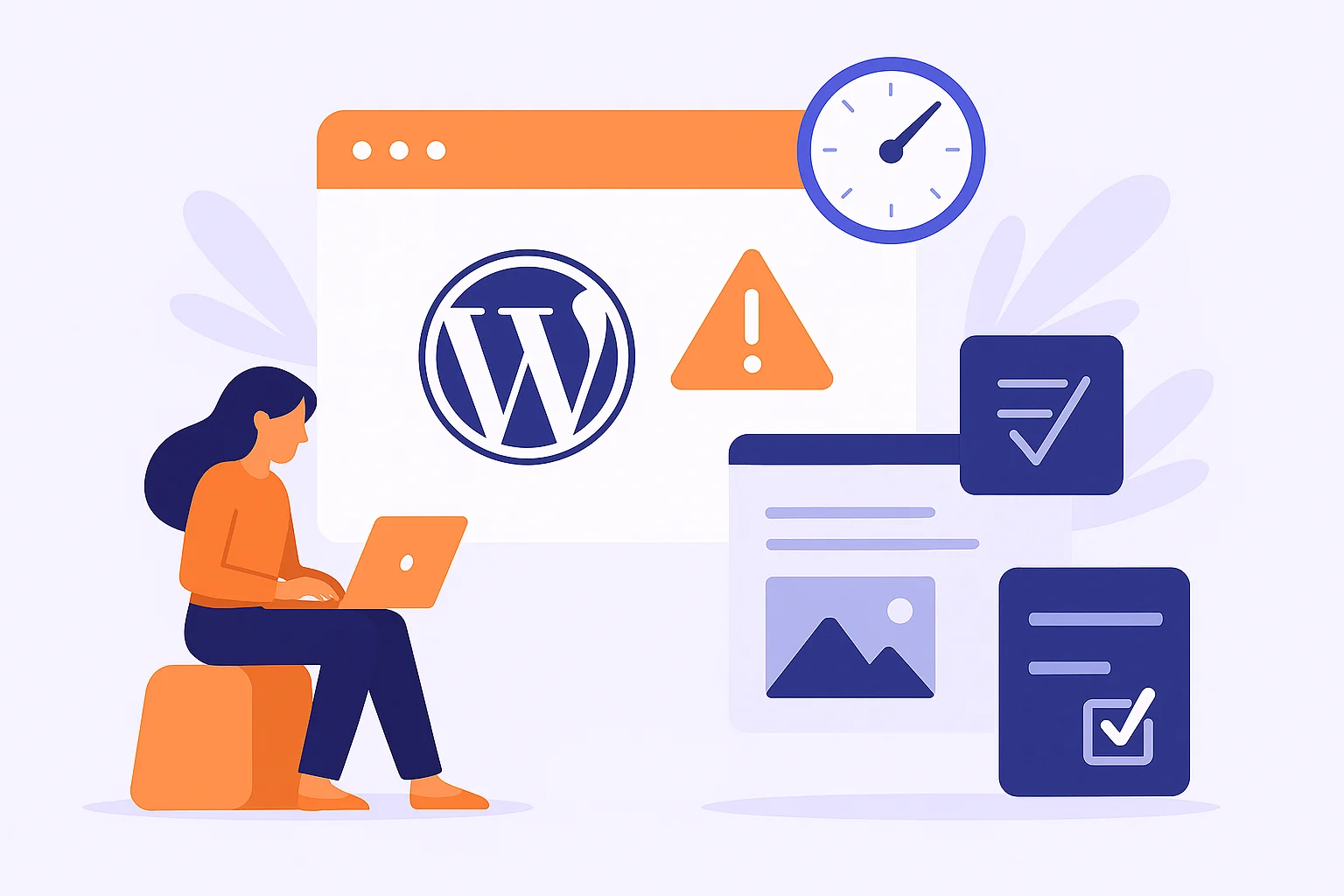
Starting with WordPress can feel overwhelming, and beginners often make mistakes that slow down their progress. In this guide, we’ll walk through the most common WordPress beginner pitfalls and share simple tips to help you build a secure, fast, and well-structured site from day one
Running more than one WordPress site can feel chaotic. Luckily, there are tools for managing multiple WordPress site setups that make updates, backups, and security much easier.
Running an online store is exciting, but let’s be honest it’s also a little overwhelming at times. You put up new products, launch promotions, and keep your fingers crossed that
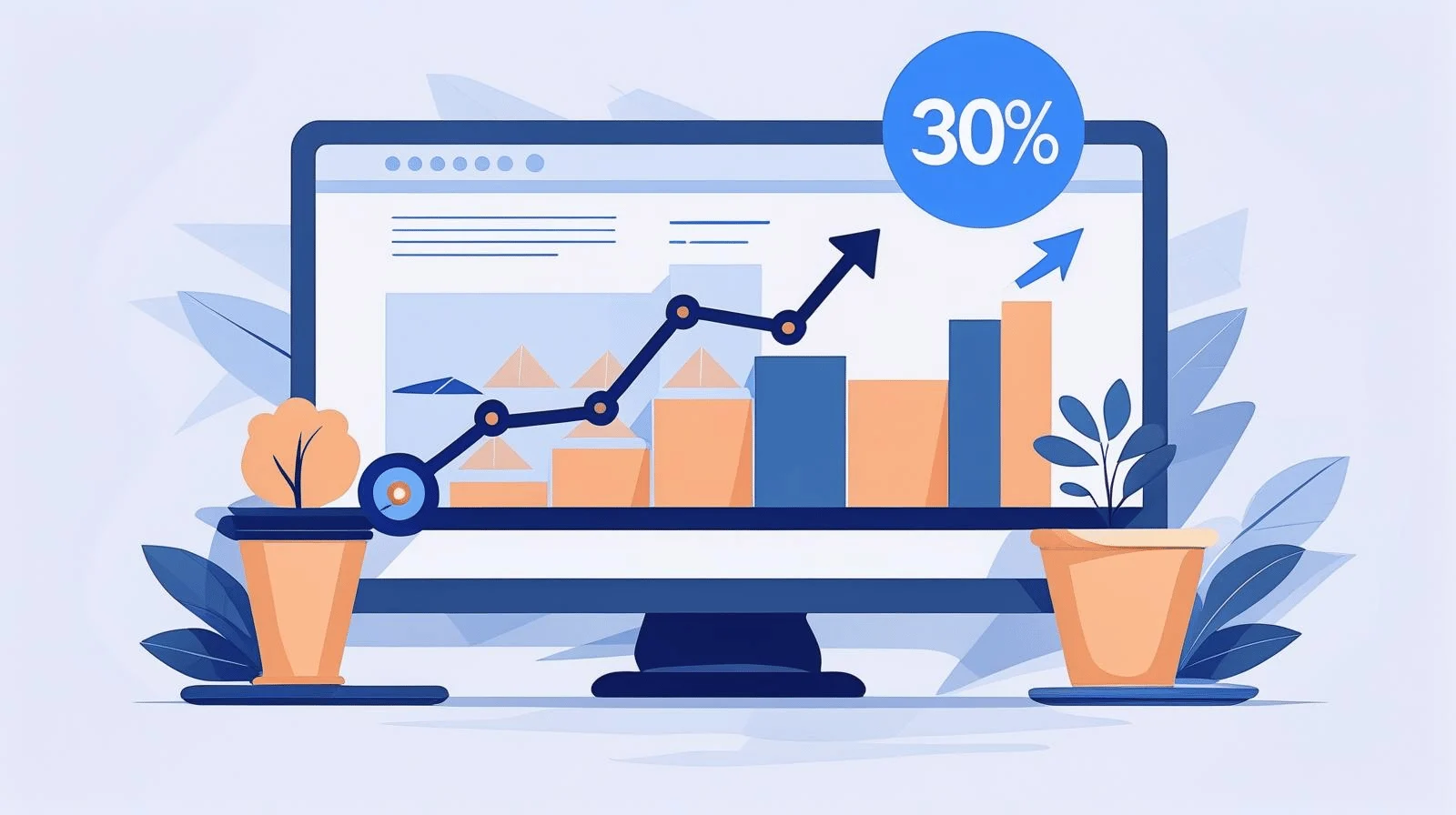
Slow websites cost sales. Here’s how one simple speed improvement boosted conversions by 30% and what you can learn from it.
Product images sell your products but heavy files slow down your site. Here’s how to keep your images sharp, fast, and ready to boost conversions.
Discover the best free tools to test your website speed. Learn how to use PageSpeed Insights, GTmetrix, Pingdom, and more for faster performance.

Having a website is more than just an online presence it’s a tool that can grow your business. In this article, we explore 7 powerful reasons why a website can boost your business, helping you reach more customers and increase your impact online.”
Struggling to write meta descriptions that actually attract clicks? In this guide, you’ll learn 7 powerful tips to craft copy that stands out, improves your CTR, and drives more traffic from Google search. Simple, actionable, and proven to work.

Your website deserves to stay online, but issues can strike when you least expect them. Real-time uptime alerts from Manage My Site make sure you’re the first to know whenever downtime happens.
Your WordPress dashboard shouldn’t feel like a messy desk. With a few small tweaks, you can keep it clean, simple, and stress-free.
If your website feels messy, don’t worry. This guide shows you the best way to organize WordPress pages and posts without the stress.
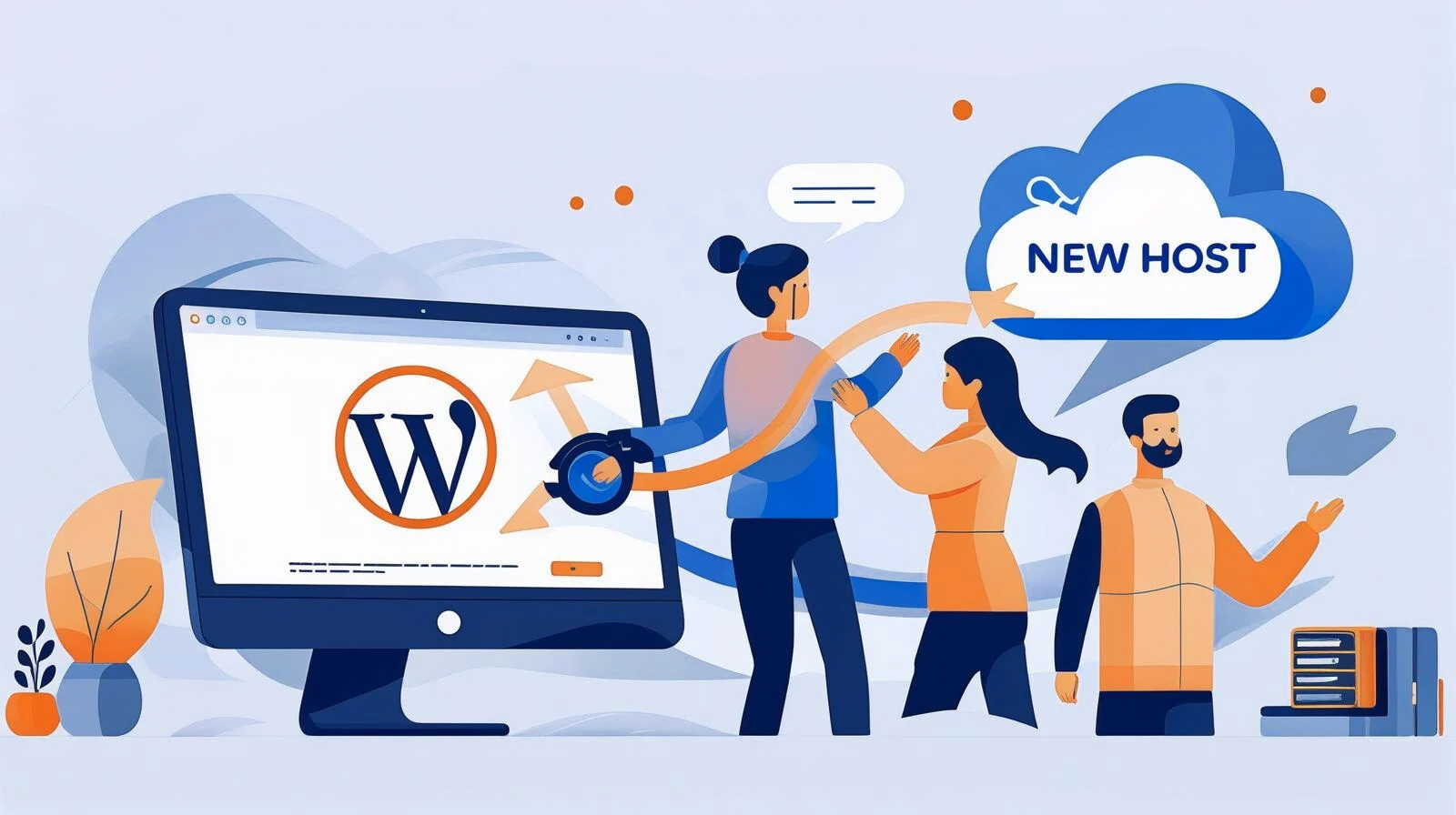
Thinking about moving your WordPress site? It might sound stressful, but it doesn’t have to be. With the right steps, you can move your site without losing data or breaking anything. Let’s walk through it together.
Backing up your WordPress site is not optional it’s essential. This guide will walk beginners through the best practices for creating reliable backups, choosing the right tools, and keeping websites secure.

Doing monthly website health checks doesn’t have to be complicated. I’ll walk you through the tools I use to keep websites safe, fast, and reliable and why each one matters.
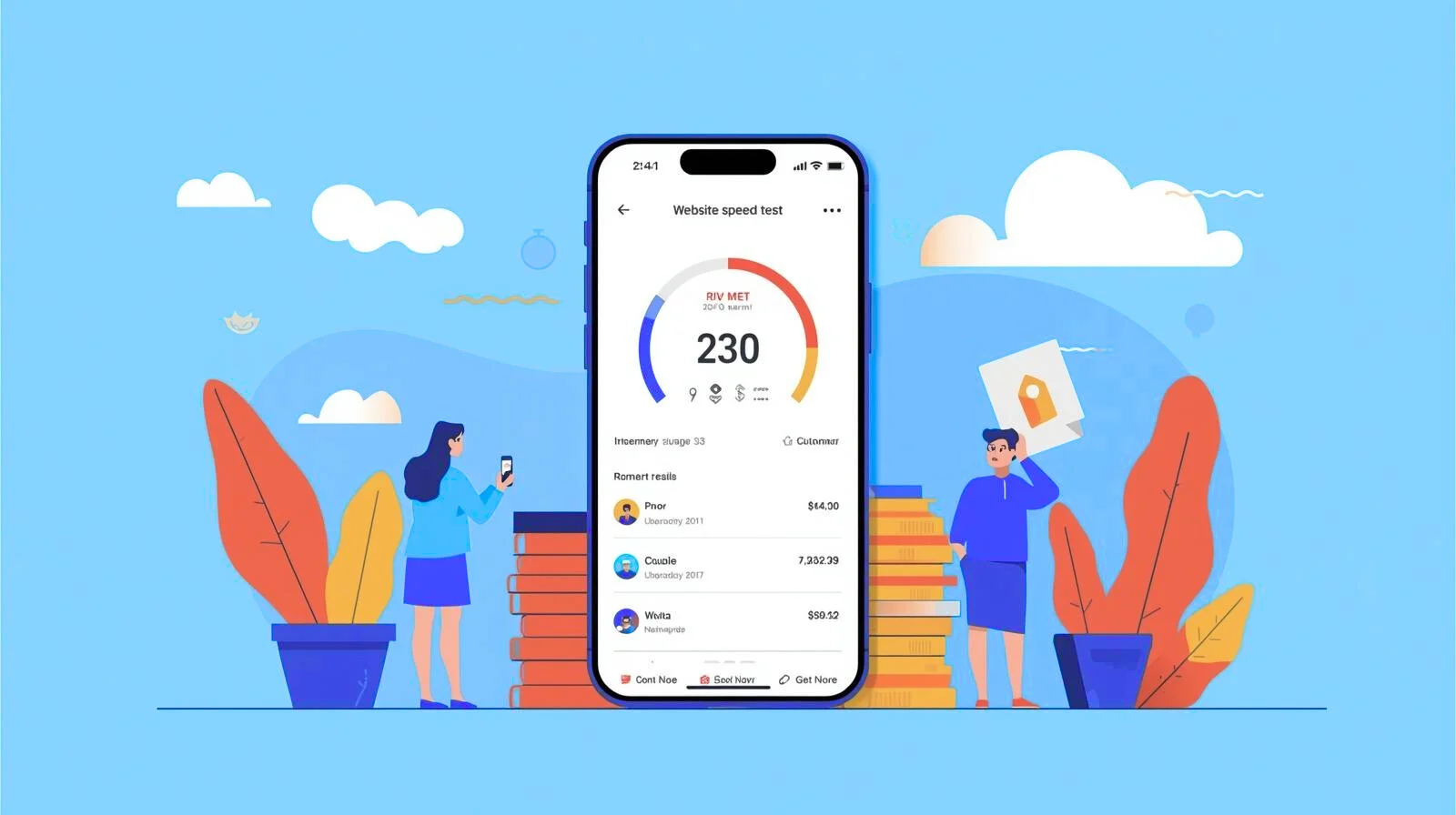
A mobile-friendly website isn’t just a nice-to-have it’s a must for SEO and user experience. In this guide, we’ll walk you through easy steps to make your site look amazing and load fast on smartphones and tablets, so you can reach more visitors and keep them engaged.
Testing your website speed doesn’t have to take long. With this simple 5-minute method, you can check how fast your site loads, spot performance issues, and take quick action to keep your visitors happy
Is your site feeling slow or cluttered? It might be time to clean up your WordPress. With a few smart steps, you can remove unused files, organize your media, and keep everything running smoothly
Not sure if your WordPress site has been hacked? From strange homepage changes to sudden drops in traffic, this guide covers the warning signs, how to act quickly, and the steps you can take to keep hackers out for good.
Think your website is safe? Even with good security, many sites still get hacked. Here’s why it happens and what you can do to keep your website secure every day.
Keeping your website secure is key to protecting your business and your visitors. With regular updates, backups, and security checks, you can ensure your site stays safe and performs at its best.

Your website speed affects more than just user experience. It can make or break your SEO rankings and sales. Let’s break down why.

The right keyword can do more than get clicks. It can bring people who are ready to buy. Here’s how to spot them without overcomplicating the process.

Protecting customer data isn’t just a legal requirement it’s a way to build trust and keep your online store running smoothly. Here’s how to do it without overcomplicating things.

WordPress updates aren’t just about staying current they’re about keeping your site secure, fast, and ready for visitors. Here’s how often you should actually hit that update button.

After fixing over 50 broken WordPress sites, I’ve seen it all from tiny glitches to complete website crashes. Here’s what I learned and how you can keep your site safe.

Slow websites don’t just frustrate visitors — they quietly drain your revenue. The longer your site takes to load, the more customers leave before buying. Here’s why speed is directly tied to sales, and how to fix it before it costs you more.