
How Much Does It Cost to Maintain a WordPress Website? The Truth About “Free” DIY vs. Professional Care
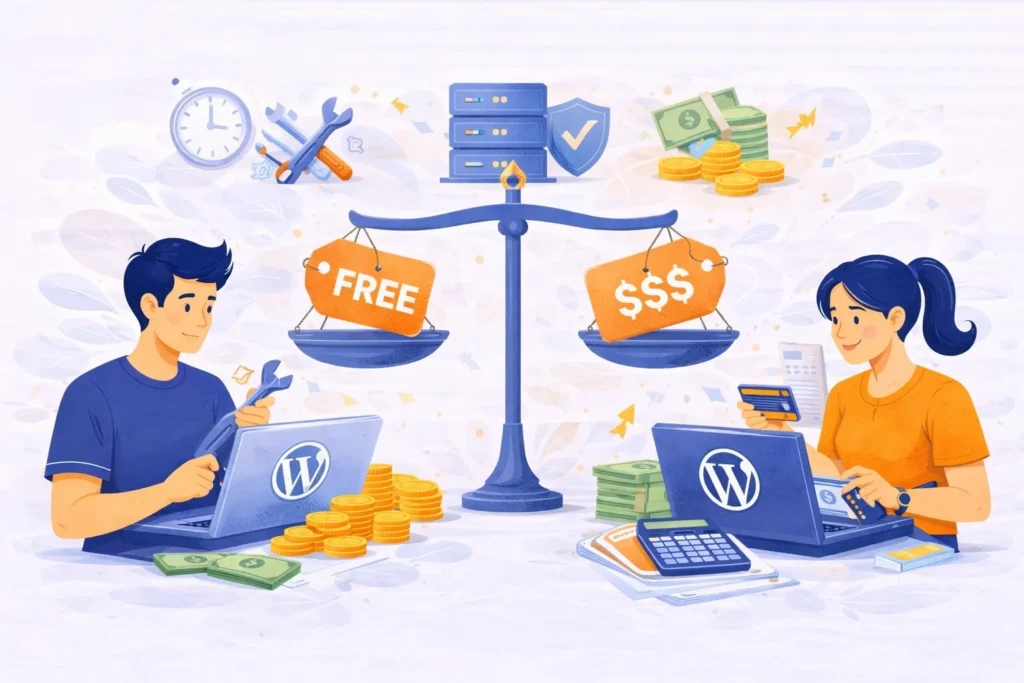
When you first launch your business, you might wonder, “How much does it cost to maintain a WordPress website?” Many owners think the answer is “zero” because they plan to do it themselves. However, for the busy entrepreneur who built their site using AI or Canva, “free” maintenance often becomes the most expensive mistake they […]
Why Your WordPress Website is a Living Organism (And Why It’s Currently Starving)
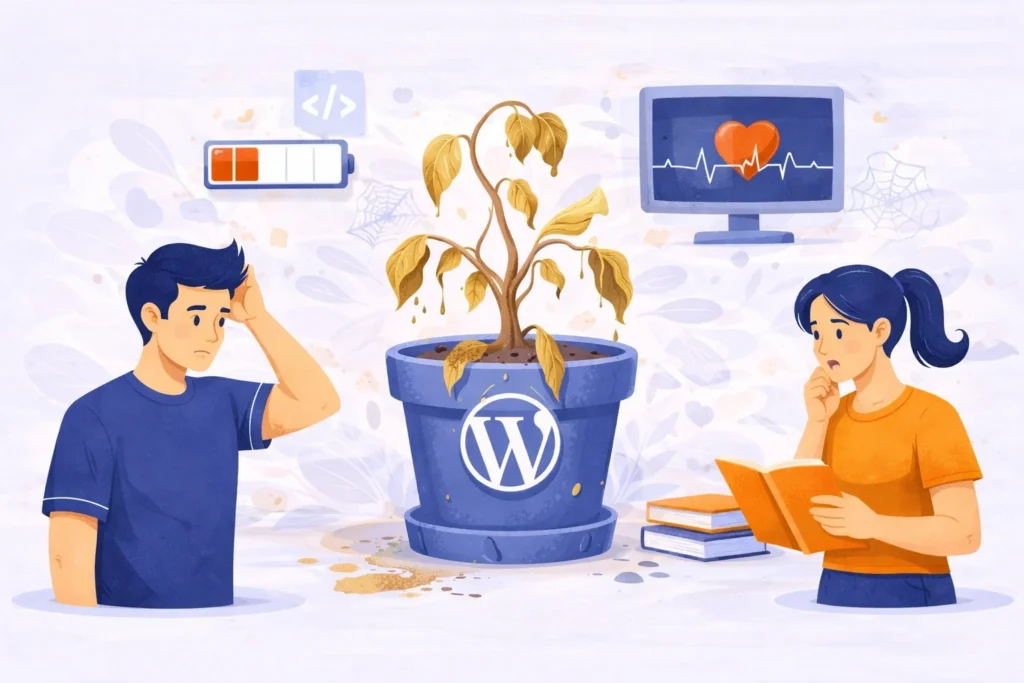
Most business owners treat their website like a billboard. You design it, you put it up on the digital highway, and you walk away. But a WordPress website isn’t a static piece of wood; it’s more like a high-performance engine or a luxury garden. If you don’t water the plants or change the oil, things […]
Manage My Website: A Practical Guide for Business Owners

What Does “Manage My Website” Actually Mean? When someone searches for manage my website, they are usually not looking for technical terms. They want their website to work properly without constant problems. Managing a website means taking responsibility for everything that keeps it running. This includes content, performance, security, and stability. A website is not […]
How Poor Website Maintenance Leads to Traffic Loss
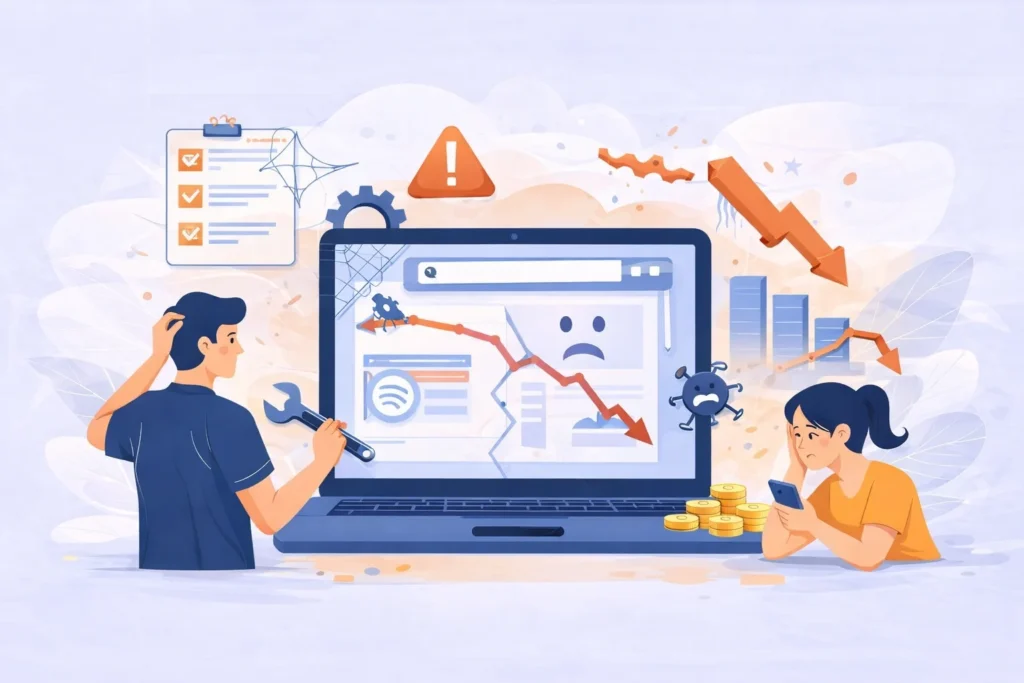
Let’s be honest most website maintenance problems don’t look serious at first. Your site still loads, pages are still there, and nothing seems “broken.” That’s usually why website maintenance gets pushed aside. But this is also how traffic quietly starts slipping away. Many business owners underestimate the importance of regular updates, even though poor maintenance […]
Website Maintenance Checklist for 2026: What Every Business Actually Needs

A few months ago, I talked to a business owner who said something I hear all the time: “My website was fine yesterday. I don’t know what happened.” Overnight, their site went down. Contact forms stopped working. Traffic dropped. Nothing dramatic had changed, at least not on the surface. What actually happened was simple. The […]
Building a Website With AI: A Smart Start, Not the Finish

Building a website with AI make it easy to launch a site fast. You answer a few questions, choose a style, and the system creates pages, layouts, and content automatically. This works well for beginners, small projects, or anyone who wants an online presence without technical skills. Step-by-Step: How to Building a Website With AI […]
Manage Your Website Easily with | managemysite.io

Be honest. How many times have you said: “I’ll fix the website later.” Then later comes… An error, a broken page, a slow site. Or worse your website is down. Not fun. Running a business is already a full-time job. Your website shouldn’t be another problem on your list. That’s why Managemysite exists. So, What […]
Affordable WordPress Maintenance Service for Small Businesses

Running a business is already a lot of work.Your website shouldn’t add more stress. But if you’ve ever experienced a slow page, a broken plugin, or a surprise error right when a customer tries to buy something… you know how frustrating it feels.Even a small issue can hurt your sales, your traffic, and your brand. […]
Trusted WordPress Maintenance and Updates from Manage My Site
Keeping your site healthy doesn’t have to feel overwhelming. With trusted WordPress maintenance, you get safe updates, fewer errors, and a website that runs smoothly every day. Manage My Site helps you handle plugin updates, theme updates, and core upgrades without the stress.
Your Website Down Suddenly? Common Reasons You Should Know

Your website can fail overnight plugins crash, updates go wrong, or hackers strike. Learn how regular website maintenance and strong website security
10 Hidden Risks of Ignoring Website Maintenance
Your website isn’t something you set and forget it’s a living part of your business. Without regular website maintenance, small issues can turn into costly problems. Learn how to keep your site fast, secure, and performing at its best before it’s too late.
Understanding the Importance of Website Maintenance for Better SEO

Regular website maintenance is essential to keep your site fast, secure, and optimized for search engines. Learn how consistent updates and technical care can strengthen your SEO performance and boost traffic.
How to Clean Up Old Content and Keep Your Site Healthy

Old posts can quietly hurt your website if you ignore them. Learn how to clean up old content and keep your site healthy with simple steps like updating, merging, or removing outdated pages. Keep your site fresh, easy to navigate, and trustworthy for your visitors.
Website Issues: Proven Ways to Spot and Fix Them Before They Go Live
Website issues can ruin a first impression fast. From broken links to slow performance, even small errors push visitors away. Learn proven ways to spot and fix website issues before your site goes live, so every visitor enjoys a smooth and reliable experience.
How to Avoid Common Maintenance Mistakes and Keep Your Website Safe and Effective
Many website owners unknowingly repeat the same maintenance mistakes that hurt performance and security. This guide shows you how to avoid them and keep your site safe and effective.
The Ultimate Guide to Check Broken Links Regularly
Check Broken Links – Why It’s More Important Than You Think Check broken links might sound like some boring technical thing, but let’s be real everyone has felt the frustration of clicking a link that just… doesn’t work. You’re excited to get to the info, but instead you see a 404 error or a blank […]
Essential Reasons Why Website Speed Matters More Than You Think
Discover the best free tools to test your website speed. Learn how to use PageSpeed Insights, GTmetrix, Pingdom, and more for faster performance.
Monthly Website Health Checks: 6 Smart Tools to Protect and Improve Your Site

Doing monthly website health checks doesn’t have to be complicated. I’ll walk you through the tools I use to keep websites safe, fast, and reliable and why each one matters.
5-Minute Method to Test Your Website Speed Easily
Testing your website speed doesn’t have to take long. With this simple 5-minute method, you can check how fast your site loads, spot performance issues, and take quick action to keep your visitors happy