

Running an online store means handling personal details like names, emails, and payment information. Shoppers trust you to keep that data safe. If you’ve been wondering how to protect customer data on your online store, the good news is you don’t need to be a security expert. With the right steps, you can build trust, avoid risks, and keep your business safe from attacks.
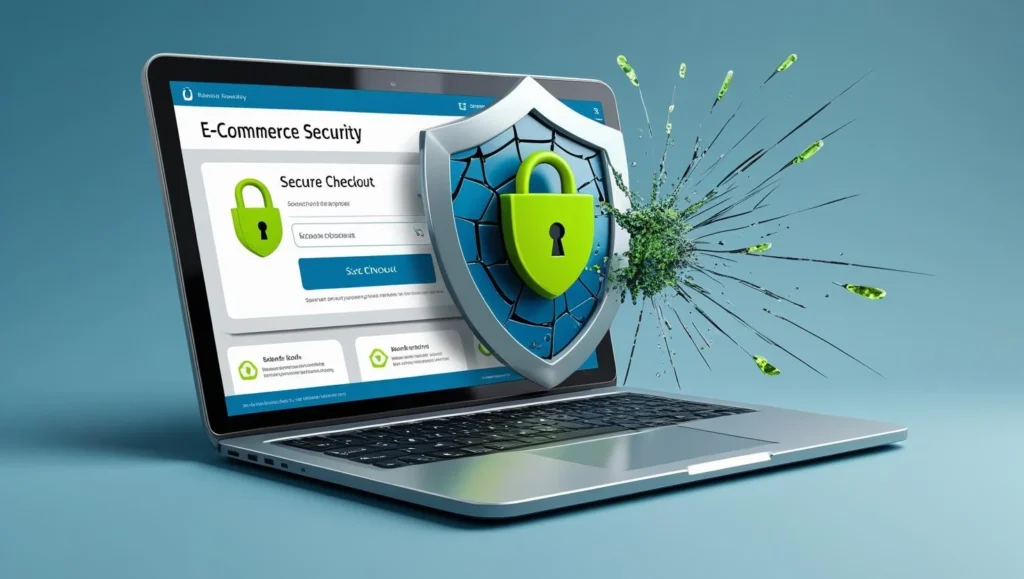
Why Is E-Commerce Security So Important?
Your customers trust you every time they click “Buy Now.” If their personal data gets stolen, you risk more than money—you risk your reputation.
- Loss of trust: Once customers think your store isn’t safe, they won’t come back.
- Financial penalties: Data protection laws (like GDPR) can fine you heavily if you fail to protect customer data.
- Downtime: A hacked site means lost sales until you fix it.
- Competitive disadvantage: Shoppers will simply move to a safer competitor.
In short: e-commerce security isn’t just technical it’s about protecting relationships and keeping your business alive.
Tips for Securing E-Commerce User Data
Here are some simple but powerful ways to secure customer information:
1. Use SSL for Every Page
SSL encrypts the data sent between your site and your customers.
If your site still shows “Not Secure” in the browser, you’re putting data at risk.
- Get an SSL certificate from your hosting provider
- Set it to auto-renew so it never expires
- Use Manage My Site for SSL monitoring so you’re always covered
2. Keep Your Software Updated
Outdated WordPress, plugins, or themes can open the door to hackers.
The fix is simple: update your WordPress regularly.
- Run updates weekly or let a service like Manage My Site handle it for you
- Always back up your site before updating
- Remove plugins you no longer use they can still be a risk
3. Secure Payment Processing
Never store raw credit card information on your server.
Use trusted payment gateways like PayPal, Stripe, or Square. For example, you can check how Stripe handles security.
These platforms handle sensitive data for you, so you don’t have to worry about storing it yourself.
4. Limit Access to Sensitive Data
Not every team member needs full access.
Give employees only the permissions they need to do their job.
- Create separate accounts for each person
- Remove access for old accounts immediately
- Use strong, unique passwords for every login
5. Regular Security Scans
Hackers don’t always make themselves visible right away.
A regular scan can catch malware or suspicious activity before it spreads.
- Use a security plugin for basic scans
- Or sign up for a Plus or Premium plan for manual vulnerability checks and firewall protection
6. Have a Backup Plan
Even the best security can fail. A full site backup means you can recover fast.
- Store backups on a secure, off-site server
- Test your backup restore process
- Our website management plans include daily automatic backups so you never start from zero
E-Commerce Security Solutions
If handling all of this feels overwhelming, don’t worry there are plenty of tools and services to help.
- Security plugins: Tools like Wordfence or Sucuri for WordPress.
- Managed website services: Platforms like Manage My Site handle SSL monitoring, backups, and scans for you.
- Hosting providers with security features: Choose a host that offers firewalls, malware protection, and free SSL.
- Cloudflare or Akamai: Protect against DDoS and provide extra layers of security.
The key is not to rely on just one tool. Use a layered approach like having multiple locks on a door.
Keep Your Customers Informed
Protecting customer data doesn’t need to be complicated, but it does need to be consistent. Start with the basics SSL, software updates, secure payment gateways, and backups. Then, build on that with advanced strategies like firewalls, scans, and compliance standards.
If you’d rather focus on running your business instead of handling technical security, services like Manage My Site can take care of the heavy lifting. That way, you can sell with confidence while keeping your customers safe and happy.


