
Have you ever published a blog post, launched a website, or shared a link on social media, then wondered if anyone actually visited it?
This is where many website owners get stuck. You create content. You post regularly. But without the right tools to check website traffic, you don’t really know what’s happening behind the scenes.
These tools help you see the full picture.
They show you:
- Who visits your website
- How they find you
- What they do once they arrive
Once you start using reliable tools to check website traffic, improving your website becomes much easier. You stop guessing and start making decisions based on real data.
What Does Website Traffic Tell You?
Website traffic is more than just numbers.
It helps you understand:
Website traffic refers to the number of users who visit your website and how they interact with it.
This includes:
- How many people visit your site
- Where they come from
- Which pages they view
- How long they stay
- What actions they take
Without traffic data, you are guessing.
With traffic data, you make decisions based on facts.
If your goal is SEO growth, better conversions, or higher visibility, traffic analysis is not optional. You need it.
- Which pages attract visitors
- Which content people ignore
- Where users leave your site
- What brings people back
If you run a business, blog, or online service, this data helps you avoid guessing.
You stop asking “Is this working?”
And start saying “I know what works.”
Why You Should Care About Traffic Analysis
When you check traffic regularly, you can:
- Improve content that already performs well
- Fix pages with high bounce rates
- Focus on traffic sources that convert
- Build a better experience for your visitors
This is not only for big companies. Even small websites benefit from traffic insights. Now, let’s talk about the tools that make this possible.
Tools You Can Use to Check Website Traffic
Google Analytics
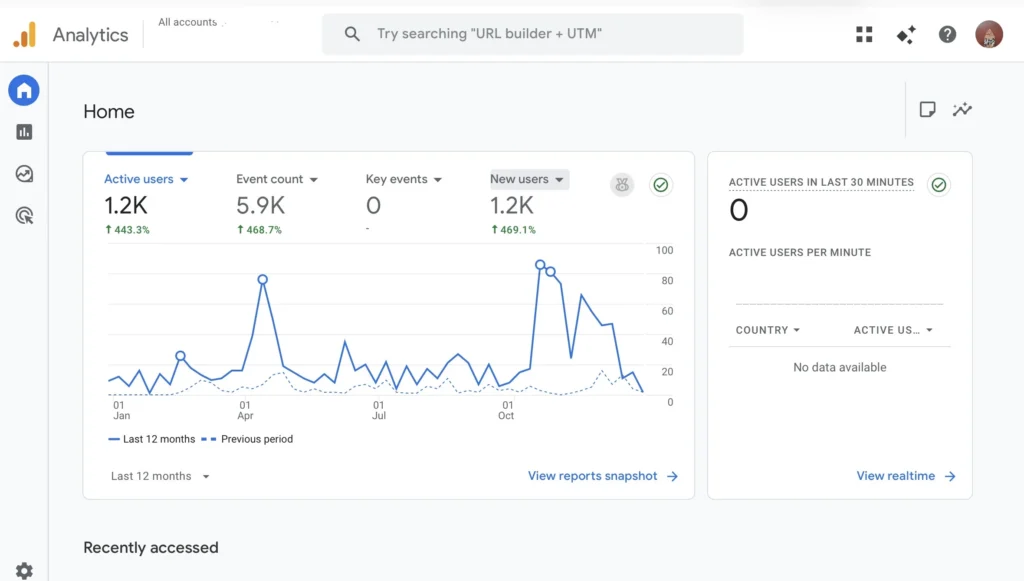
If you want to understand your own website, this is the best place to start.
Google Analytics shows:
- How many people visit your site
- Which pages they view
- How long they stay
- Where they come from
You can see patterns over time, you can track growth, you can understand user behavior clearly. This tool is free and powerful.
Google Search Console
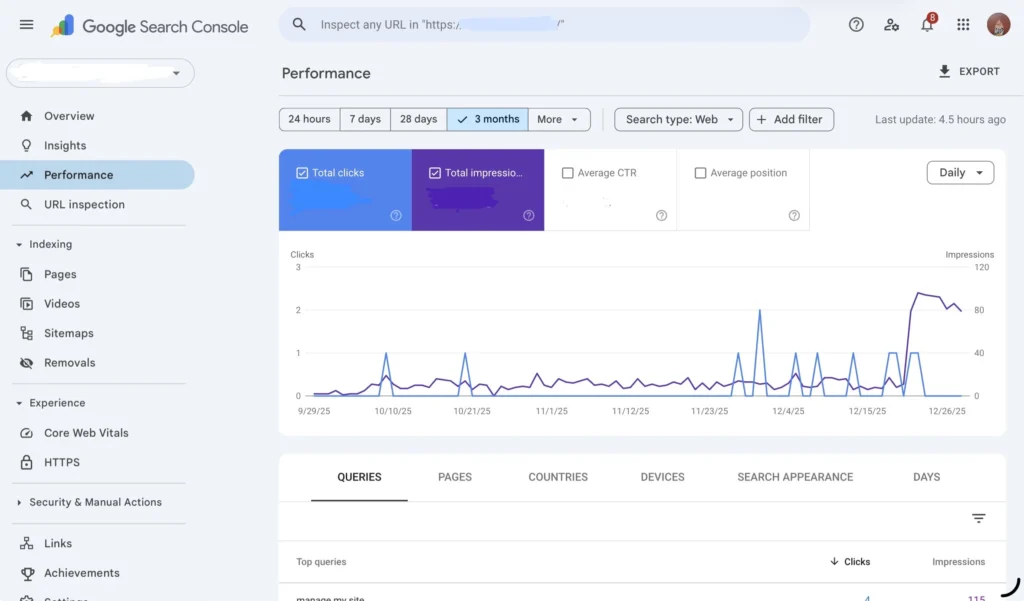
Google Search Console helps you understand how people find your site through Google.
It shows:
- Search queries that bring traffic
- Clicks and impressions
- Pages that appear in search results
- SEO issues that affect visibility
If your goal is organic traffic, this tool is essential.
SimilarWeb
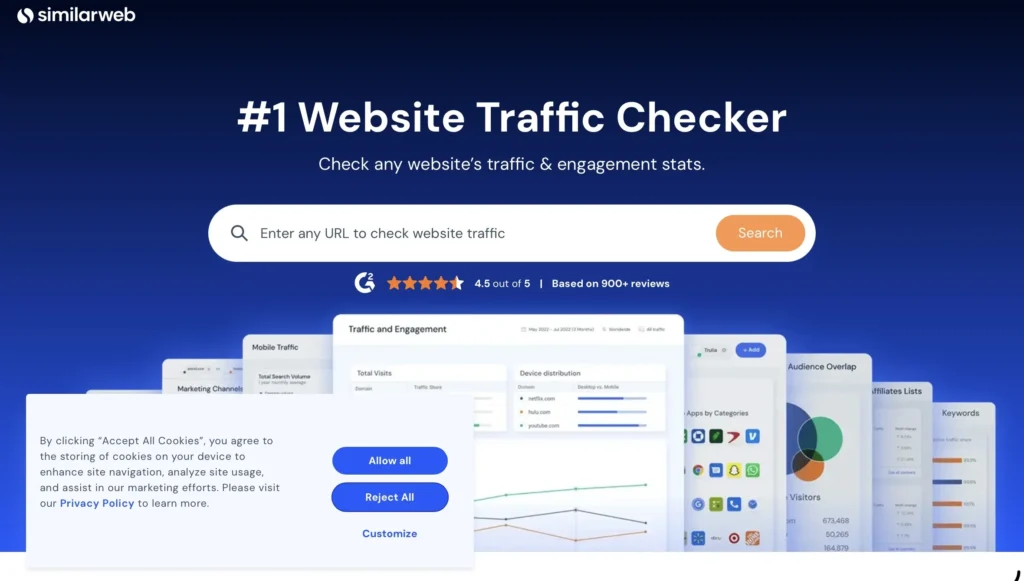
Sometimes, you want to look outside your own website.
SimilarWeb lets you estimate traffic for:
- Competitors
- Popular websites
- Industry leaders
You can see:
- Traffic volume
- Traffic sources
- Audience location
This helps you understand the market and set realistic goals.
Ubersuggest
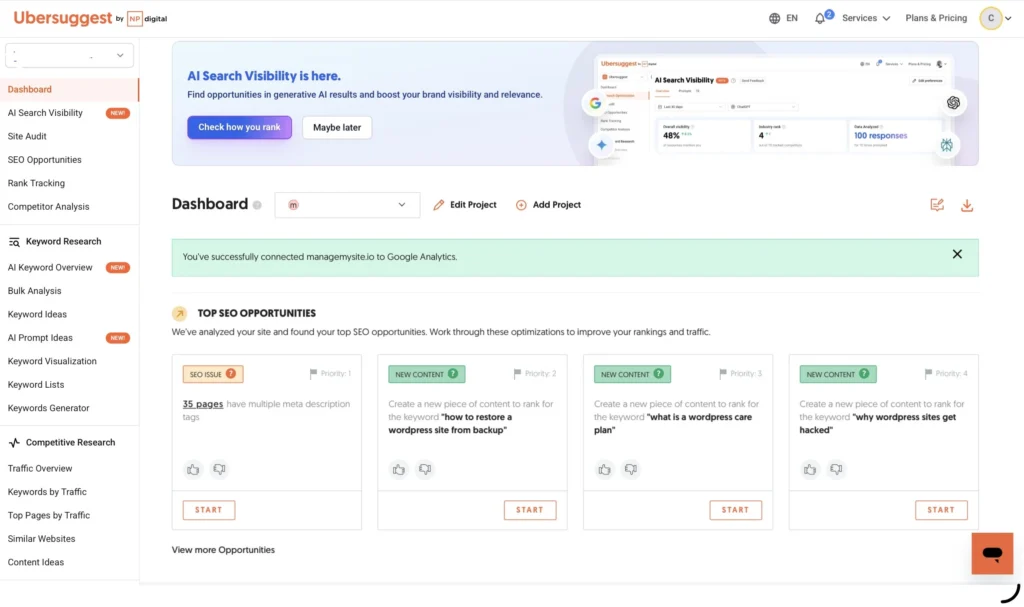
Ubersuggest is great if you want something simple and beginner-friendly.
It helps you:
- Estimate traffic
- Discover top pages
- Find keywords that drive visits
If you are new to SEO, this tool makes traffic data easier to understand.
Ahrefs
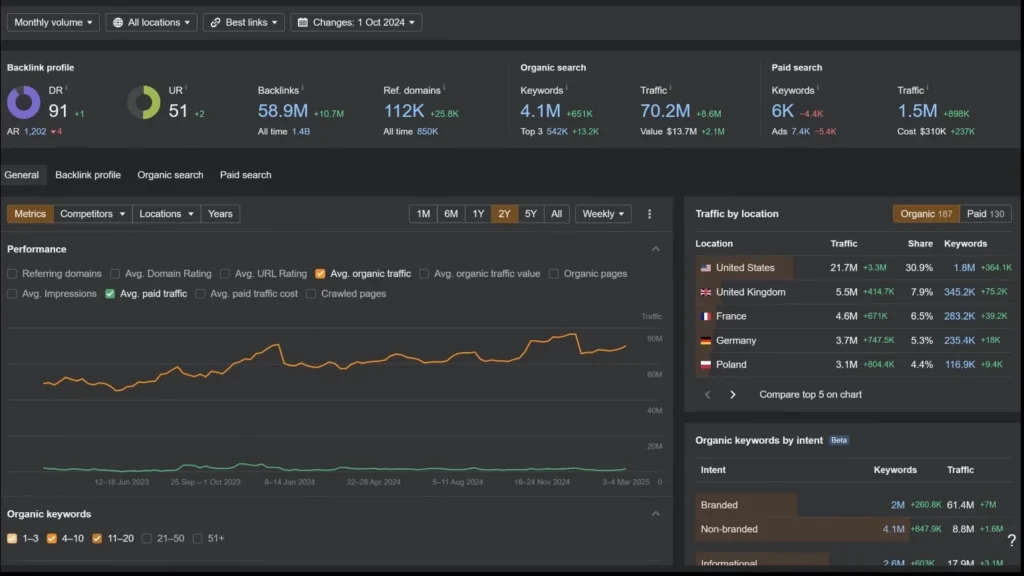
Ahrefs is built for deeper analysis.
It shows:
- Organic traffic estimates
- Ranking keywords
- Top-performing pages
- Backlink data
This tool is often used by SEO professionals and agencies.
If SEO is a serious part of your strategy, Ahrefs is worth considering.
SE Ranking
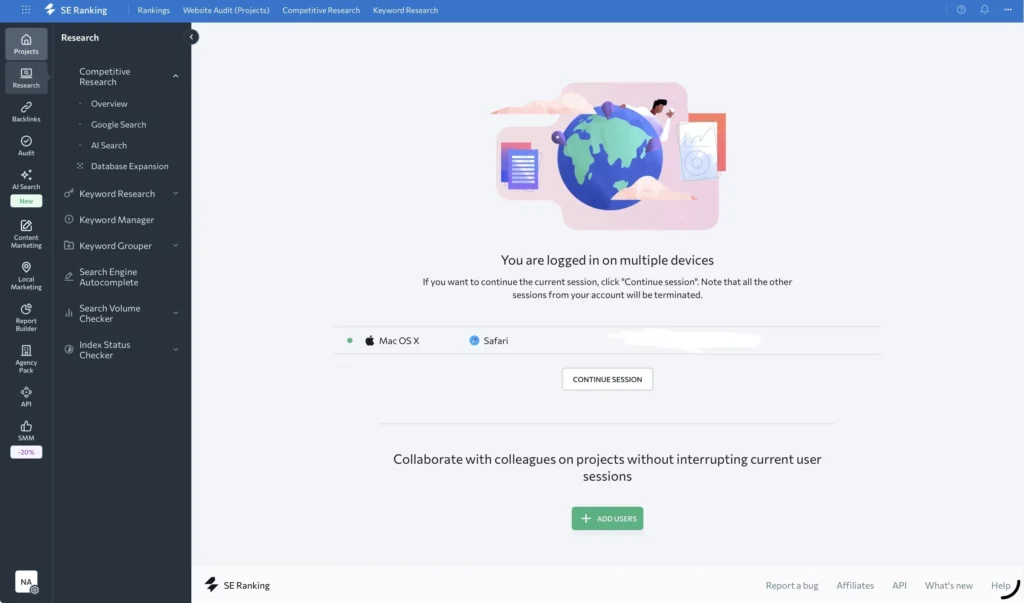
SE Ranking combines traffic insights with SEO monitoring.
You can:
- Track traffic trends
- Monitor keyword rankings
- Analyze competitors
- Run website audits
It’s a good option if you want one platform for everything.
Sitechecker
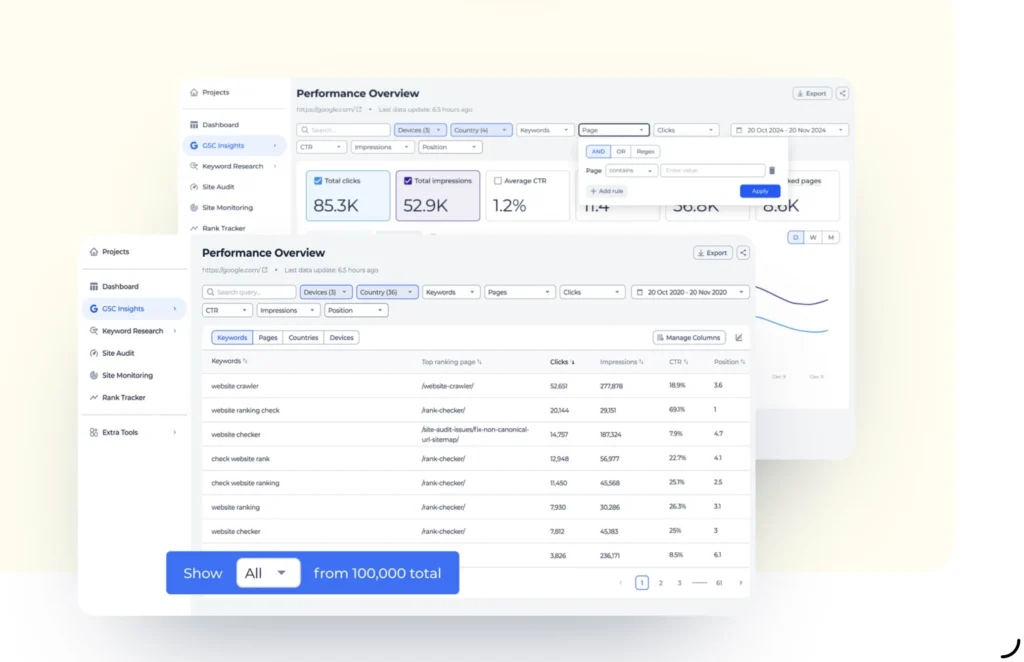
Sitechecker focuses on clarity and action.
It helps you:
- Monitor traffic changes
- Identify technical issues
- Get clear SEO recommendations
This tool works well if you want guidance, not just data.\
Which Tool Should You Start With?
You don’t need all of them.
Start simple:
- For your own website: Google Analytics + Search Console
- For competitors: SimilarWeb or Ahrefs
- For beginners: Ubersuggest or Sitechecker
As your website grows, your tools can grow with it.
Traffic Data Helps You Grow With Confidence
When you understand traffic, you stop guessing.
You know:
- What content works
- Where to improve
- What your audience actually wants
Analyzing traffic is only one part of the process. Pairing these tools with a trusted website monitoring service helps you understand why traffic changes happen, not just that they happen.
When you consistently track website health, traffic drops are easier to spot and fix before they turn into serious performance or SEO problems.


One Response