
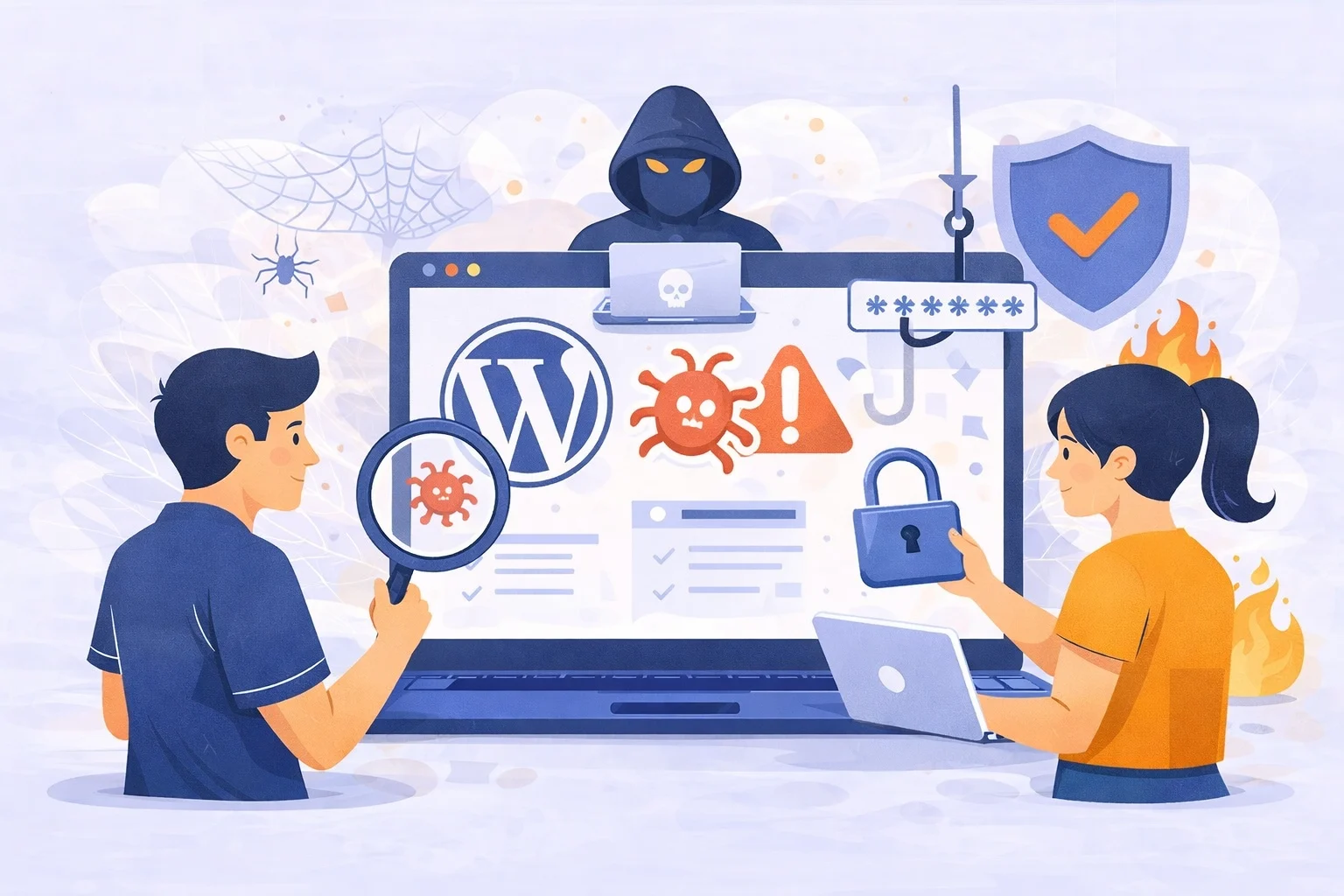
A complete guide to WordPress security, vulnerabilities, hosting, plugins, and hack prevention
WordPress powers more than 40% of websites worldwide. That popularity is exactly why hackers target it. This does not mean WordPress is insecure by default.
Most successful hacks happen because websites are poorly maintained, not because WordPress itself is weak.
In this guide, you’ll understand why WordPress websites get hacked, how hackers attack them, and what you can do to protect your site long-term.
Why Do WordPress Websites Commonly Get Hacked?
WordPress websites usually get hacked due to neglect.
Many site owners build a website once, publish it, and then forget about maintenance. Over time, plugins, themes, and the WordPress core become outdated. These outdated components often contain known security flaws that hackers already understand and actively exploit.
Hackers rarely target a specific website manually. Instead, they use automated bots that scan thousands of WordPress sites every day. These bots look for predictable weaknesses such as old plugin versions, weak passwords, or unsecured login pages.
Why WordPress Websites Commonly Get Hacked
Outdated Software
Outdated WordPress core files, plugins, and themes are the leading cause of hacks. Developers release updates to fix known security vulnerabilities. When updates are ignored, those vulnerabilities remain open and are easily exploited by automated bots scanning the internet.
Weak Passwords and Usernames
Simple passwords and default usernames like “admin” make brute-force attacks highly effective. Attackers use automated tools that can test thousands of login combinations per second until they gain access.
Vulnerable Plugins and Themes
Not all plugins and themes are developed or maintained properly. Using outdated, poorly coded, or pirated (“nulled”) software introduces serious security risks, even if the plugin or theme is not actively used.
Insecure Web Hosting
Low-quality hosting often lacks firewalls, malware scanning, and proper server isolation. In these environments, one infected site can expose others on the same server, increasing the risk of cross-site contamination.
Missing Basic Security Measures
Many websites lack essential protections such as SSL certificates, security plugins, and regular backups. Without these, attacks are harder to detect and recovery becomes more difficult.
How to Protect Your WordPress Website
Protecting your WordPress site is about consistency, not complexity.
Keep Everything Updated
Update WordPress core, themes, and plugins as soon as updates are available. Security patches close known vulnerabilities and significantly reduce your risk of being hacked.
Use Strong, Unique Credentials
Create long, complex passwords and avoid default usernames. Using a password manager helps maintain strong credentials without reusing them across platforms.
Enable Two-Factor Authentication (2FA)
Two-factor authentication adds an extra verification step during login, blocking most brute-force and stolen-credential attacks.
Install a Trusted Security Plugin
Security plugins like Wordfence or Sucuri provide firewalls, malware scanning, and login protection to actively defend your site.
Set Up Regular Backups
Frequent backups allow you to restore your website quickly if something goes wrong. Backups should include both files and databases and be stored securely off-site.
Secure the Login Page
Limit failed login attempts and consider changing the default login URL to reduce automated attack traffic.
Choose Secure Hosting
A reliable WordPress host offers built-in firewalls, malware monitoring, SSL, and isolated environments that improve security at the server level.
Remove Unused Themes and Plugins
Deleting unused software reduces potential vulnerabilities and minimizes your site’s attack surface.
If you don’t have time to manage this yourself, using a dedicated maintenance service is a practical solution. Services like
👉 wordpress maintenance service
handle updates, security monitoring, backups, and protection continuously.
What Are the Main Security Vulnerabilities in WordPress Sites?
The most common WordPress security vulnerabilities come from third-party components rather than WordPress itself.
Plugins and themes are developed by different authors. When they are not updated, security holes remain open. Hackers actively search for these known vulnerabilities and use them to inject malware or gain admin access.
Another major vulnerability is weak authentication. Many WordPress sites still use simple passwords or reuse the same password across multiple platforms. Once one account is compromised, attackers can easily access the admin dashboard.
Hosting also plays a critical role. Cheap or poorly configured hosting environments often lack firewalls, malware detection, and account isolation. If one site on the server gets infected, others may follow.
What Are Common Hacking Methods Used Against WordPress Websites?
Most WordPress hacks rely on automated attack methods rather than human effort.
One of the most common techniques is brute force attacks. Bots repeatedly attempt to log in using common username and password combinations until they succeed.
Another popular method is exploiting outdated plugins or themes. Hackers use scripts to target known vulnerabilities and inject malicious code without needing login access.
Malware injection is also widespread. This often results in spam links, SEO poisoning, or redirects to scam websites. In more advanced cases, attackers create backdoors that allow them to regain access even after partial cleanup.
These attacks often go unnoticed for weeks or months, causing long-term damage to SEO and user trust.
How Often Should I Update WordPress Themes and Plugins?
Updates should not be delayed.
Security updates should be applied immediately because they often fix vulnerabilities that are already being exploited in the wild. Feature updates can usually be installed within a few days, after ensuring you have a recent backup.
Many site owners avoid updates because they fear breaking their website. This risk is much smaller than the risk of being hacked. Regular backups make updates safe because you can restore the site quickly if something goes wrong.
Which Security Plugins Are Best for Preventing WordPress Hacks?
Security plugins provide an additional protection layer, especially for non-technical users.
Wordfence is popular for its firewall and real-time malware scanning. Sucuri focuses on monitoring, auditing, and professional cleanup services. iThemes Security offers user-friendly protection features, while All In One WP Security is a good lightweight option for basic setups.
It’s important to install only one security plugin. Running multiple security plugins can cause conflicts and reduce effectiveness.
What Hosting Providers Offer the Best Security for WordPress Sites?
Hosting security is often underestimated, yet it has a major impact.
High-quality WordPress hosting providers implement server-level firewalls, malware scanning, daily backups, and account isolation. These features protect your site even before WordPress loads.
Well-known hosting providers with strong WordPress security include SiteGround, WP Engine, Kinsta, and Cloudways. They invest heavily in infrastructure and security expertise that most individual site owners cannot replicate.
Cheap hosting may save money initially, but it often increases the risk of downtime, hacks, and data loss.
Are There Managed WordPress Hosting Services That Include Hack Protection?
Yes, and this is why managed WordPress hosting is popular among businesses.
Managed hosting providers handle security updates, firewall rules, malware detection, and often include hack cleanup as part of the service. This removes much of the technical burden from site owners.
Providers like WP Engine, Kinsta, and Flywheel are known for combining performance optimization with built-in security features.
If your website generates leads, sales, or revenue, managed hosting is a strong long-term investment.
How to Detect If Your WordPress Site Has Been Hacked
Many website owners don’t realize their site is hacked until serious damage has already occurred.
Common signs include sudden drops in traffic, unexpected redirects, spam content appearing on your pages, or warnings from Google. In some cases, new admin users appear without your knowledge.
Performance issues such as slow loading times or frequent crashes can also indicate malware activity.
Early detection is critical to minimizing damage.
What Services Can Scan My WordPress Site for Malware and Vulnerabilities?
Regular scanning helps identify problems before they escalate.
Security plugins like Wordfence and MalCare offer internal file scans. External services like Sucuri SiteCheck scan your site from the outside for malware and blacklist issues. Google Search Console also alerts site owners when security problems are detected.
Scanning should be part of routine maintenance, not something done only after an attack.
A Practical Takeaway for WordPress Site Owners
Most WordPress hacks are preventable. Security is not about one-time setup.
It’s about routine care.
When your website is updated, monitored, and protected consistently, hackers will move on to easier targets. If you treat your website like a living system instead of a finished project, you dramatically reduce your risk.

Frequently Asked Questions (FAQ) About WordPress Security
Is WordPress secure by default?
Yes, WordPress core is generally secure and regularly updated by its security team. However, a WordPress website is only as secure as the way it is managed. Most security issues come from outdated plugins, themes, weak passwords, or poor hosting not from WordPress itself.
If WordPress is kept updated and properly maintained, it is a very secure platform.
Why do hackers target WordPress websites so often?
Hackers target WordPress mainly because of its popularity. Since millions of websites use WordPress, attackers know their automated tools will find vulnerable sites faster.
They are not targeting your business personally. They are scanning the internet for WordPress sites that are outdated, unprotected, or poorly maintained. Easy targets always come first.
Can a small business WordPress site get hacked?
Yes. In fact, small business websites are often targeted more frequently.
Many small sites lack security plugins, firewalls, and regular updates. Hackers know this and focus on websites that appear neglected. Site size does not matter security posture does.
Do I really need a security plugin for WordPress?
While WordPress can function without a security plugin, using one significantly improves protection.
A security plugin helps block malicious traffic, detect malware early, and monitor suspicious activity. For non-technical site owners, it acts as an extra layer of defense that reduces risk.
How often should I scan my WordPress site for malware?
Ideally, your site should be scanned automatically every day.
Most security plugins provide scheduled scans that run in the background. Manual scans are also recommended after installing new plugins, updating themes, or noticing unusual site behavior.
What happens if I don’t update WordPress plugins and themes?
Outdated plugins and themes are one of the leading causes of WordPress hacks.
When a vulnerability is discovered, hackers quickly exploit sites that haven’t updated yet. Delaying updates leaves your site exposed to known attacks that are easy to execute.
Can hosting really affect WordPress security?
Yes, hosting plays a major role in website security.
Secure hosting providers offer server-level firewalls, malware monitoring, daily backups, and account isolation. Poor hosting environments make it easier for attackers to spread malware across multiple websites on the same server.
Is managed WordPress hosting worth it for security?
Managed WordPress hosting is worth it if your website supports a business, brand, or income stream.
These services handle updates, security monitoring, and often include hack cleanup. This reduces technical workload and lowers the risk of prolonged security issues.
How do I know if my WordPress site has been hacked?
Some hacks are obvious, but many are silent.
Common signs include unexpected redirects, spam content, SEO ranking drops, slow performance, Google security warnings, or unfamiliar admin users. Regular monitoring helps detect issues early before serious damage occurs.
Can a hacked WordPress site be fixed?
Yes, but the process can be time-consuming if backups and monitoring are not in place.
Cleaning malware, removing backdoors, restoring files, and securing vulnerabilities requires technical expertise. This is why prevention and ongoing maintenance are far easier and cheaper than recovery.
Is WordPress maintenance really necessary?
Yes. WordPress maintenance is essential for security, performance, and stability.
Regular maintenance includes updates, backups, security scans, and monitoring. Without it, the risk of hacks, downtime, and data loss increases significantly over time.
If you want a done-for-you solution, you can use a service like


One Response