
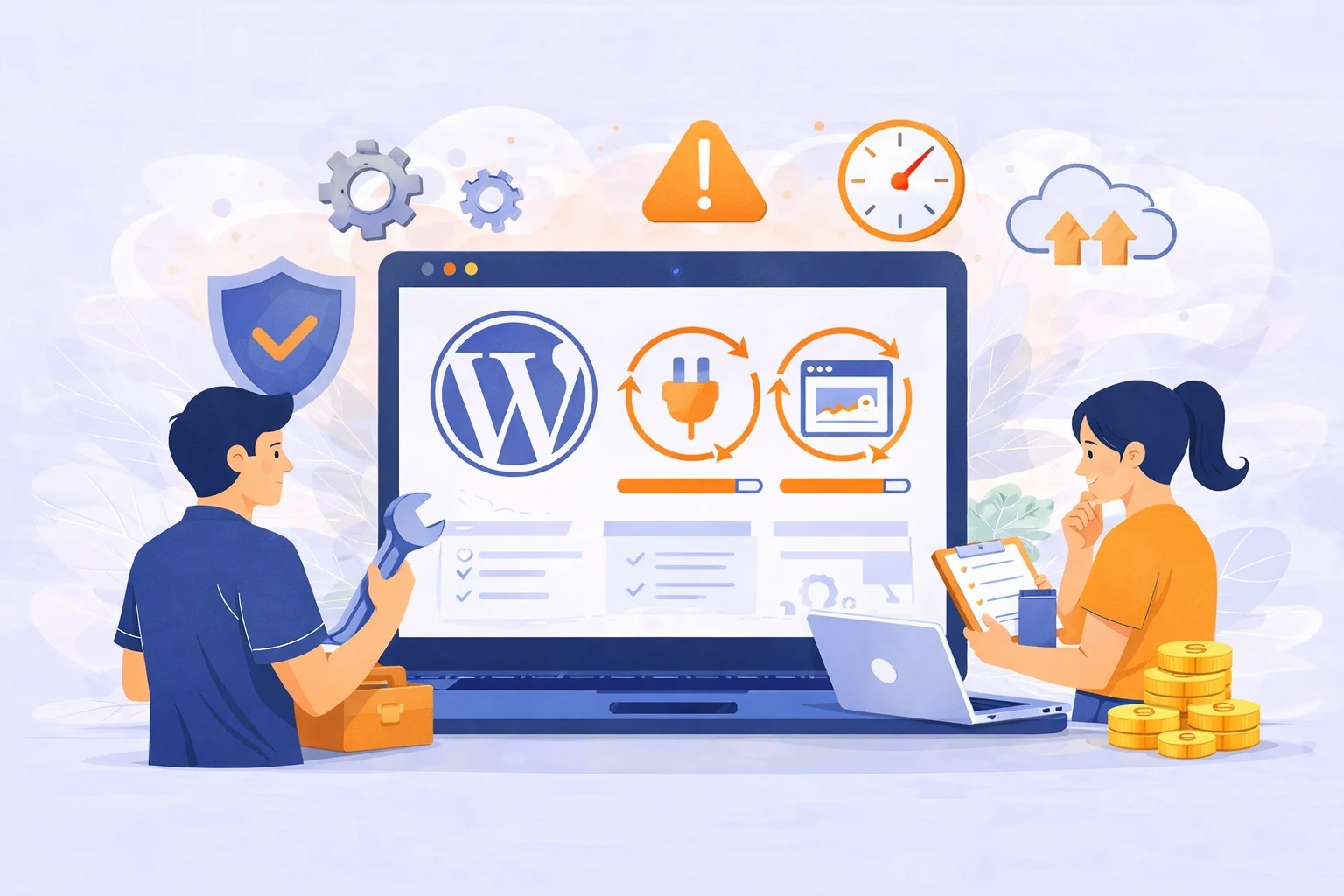
WordPress maintenance encompasses the systematic tasks required to keep a WordPress website operational, secure, and performant over time. This process involves updating software components, monitoring site health, and addressing potential issues before they escalate.
For website owners managing blogs, e-commerce sites, or business platforms, regular maintenance ensures reliability and longevity. Neglecting these activities exposes sites to vulnerabilities, downtime, and degraded user experiences, which can undermine credibility and revenue.That’s where WordPress maintenance comes in. It’s the quiet, behind-the-scenes work that keeps your website stable, secure, and dependable, even when you’re busy running your business.
“A WordPress website is not a static asset but a living system that requires continuous oversight to remain secure and dependable.”

What Is WordPress Maintenance?
WordPress maintenance is the ongoing work that keeps your website healthy, secure, and running smoothly. WordPress maintenance is not about constantly changing your website. It’s about protecting what already exists.
Understanding what WordPress maintenance involves is much easier when you follow a clear website maintenance checklist that covers updates, security, backups, and performance tasks.
It means checking in on your site, keeping its system up to date, and making sure everything still works the way it should. One of the biggest challenges in maintenance is knowing how often to update WordPress, especially when frequent updates can improve security but also carry risks if done carelessly.
Maintenance keeps small technical issues from turning into big business problems. A maintained website feels invisible in the best way. Visitors don’t think about it. They just use it.
“The best websites are the ones you never notice because nothing goes wrong.”
What are WordPress maintenance plans?
A WordPress maintenance plan is a structured schedule of technical actions intended to keep a website secure, operational, and efficient. It functions as a preventative strategy rather than a reactive one. Instead of waiting for a critical error to occur, a maintenance plan seeks to identify and resolve minor issues before they escalate into major failures.
These plans involve a combination of manual oversight and automated systems. They act as a bridge between the core software, the server environment, and the third-party extensions that make a site functional. Without such a framework, a website slowly loses its effectiveness, becoming vulnerable to external threats and internal glitches.
Key inclusions in a WordPress care plan
A comprehensive care plan usually covers several fundamental areas of technical management:
- Software Updates: Regular installation of the latest versions of the WordPress core, themes, and plugins.
- Security Audits: Frequent scans for malicious code and monitoring of login attempts to block unauthorized access.
- Remote Backups: Creating copies of the entire site and storing them on a separate server to allow for instant recovery.
- Database Cleanup: Removing temporary data, old post revisions, and spam comments that slow down site processing.
- Performance Tracking: Checking page load speeds and server response times to guarantee a fast experience for visitors.
- Technical Support: Access to a developer who can fix layout breaks or code conflicts that happen during the update process.
How Much Time Does Maintenance Actually Take?
When maintenance is done regularly, it doesn’t take much time at all. Updates, backups, and checks usually happen quietly in the background. Most visitors never notice. The time consuming part starts when maintenance is skipped. Fixing a broken site, cleaning malware, or restoring lost data always takes longer than simple routine care.
Routine maintenance usually doesn’t take long.
- Small updates: a few minutes
- Weekly or monthly checks: 30–90 minutes
- Performance optimization or issue fixes: a few hours, depending on the problem
For business owners who don’t have the time or technical confidence to handle these tasks, a reliable WordPress maintenance service ensures everything is handled correctly and consistently.
Most professional maintenance happens in the background, without interrupting your visitors. Good maintenance saves time because it prevents emergencies later.
Why WordPress maintenance matters for your business
For any commercial entity, a website is often the primary point of contact with customers. If that site is slow, broken, or displays security warnings, the business loses credibility immediately.
Maintaining your site preserves your brand’s reputation. Search engines like Google prioritize sites that are technically sound. Frequent errors or slow loading times signal to search algorithms that your site is neglected, which can result in lower rankings. Furthermore, security is a legal and ethical obligation. Protecting user data through regular patching is essential for maintaining consumer trust.
What Happens if You Ignore WordPress Maintenance?
Ignoring your site leads to a disaster. Outdated plugins are the primary entry point for hackers. They can inject ads into your site or steal your customer list. Your site will also become sluggish over time. Databases get cluttered with junk data. Eventually, a plugin update might clash with an old version of WordPress. This results in the “White Screen of Death” where your site disappears entirely. Without a backup, you might have to build your entire website from scratch.

Different Types of WordPress Maintenance
Not all maintenance is the same. Here are the main types:
Preventive Maintenance: Caring for Your Website Before Trouble Shows Up
Preventive maintenance is about attention, not panic. It happens when your site looks fine and nothing seems wrong. Updates are applied carefully. Backups are created regularly. Security checks run quietly. Uptime is monitored without constant worry.
This kind of maintenance doesn’t feel urgent, which is exactly why it works. It reduces risk and keeps your site steady over time.
“Most website disasters are not sudden. They are slow and preventable.”
Corrective Maintenance: When Something Finally Breaks
Corrective maintenance begins after something goes wrong. A page stops working. The site crashes after an update. A plugin conflict appears. In these moments, the goal is simple: fix the issue and bring the website back to normal as quickly as possible.
Corrective maintenance often comes with pressure, especially if the website affects sales, leads, or trust. While it’s sometimes unavoidable, it becomes far less common when preventive care is done consistently.
How to do WordPress Maintenance ?
WordPress maintenance is not a single task. It is a system that works continuously in the background to keep a website stable, secure, and reliable. Each part of maintenance has a clear purpose, and together they protect your website from common problems that can affect user experience, trust, and business results.
If you’re going the manual route, you need a rhythm. You can’t just do it once every leap year. Here is the “Golden Path” for doing it right:
1. Backups: Protecting Your Website From Data Loss
Backups are the foundation of WordPress maintenance. A backup is a saved copy of your website that can be restored if something goes wrong. This includes your content, settings, and structure.
The main purpose of backups is protection. Websites can break due to failed updates, human error, security incidents, or server issues. When that happens, a backup allows the website to return to a working state quickly.
Without backups, fixing problems often means rebuilding parts of the website from scratch. With backups, recovery is faster, safer, and far less stressful.Backups turn unexpected problems into temporary setbacks instead of long-term damage.
2. Updates: Keeping WordPress Stable and Compatible
Updates are a critical part of WordPress maintenance. WordPress core, themes, and plugins are constantly improved to fix bugs, improve functionality, and address security issues.
The purpose of updates is to keep all parts of the website working together properly. When updates are ignored, compatibility issues begin to appear. Over time, the website becomes slower, less secure, and more likely to break.
Maintenance ensures updates are handled carefully and consistently. This keeps the website aligned with the latest standards and reduces the risk of errors caused by outdated software.Updates are not about change for the sake of change. They are about long-term stability.
3. Security: Protecting Your Website and Its Visitors
Security maintenance focuses on protecting the website from threats that can compromise data, functionality, and trust. WordPress websites are common targets because of their popularity, not because they are weak by default.
The purpose of security maintenance is prevention and early detection. It reduces the risk of unauthorized access, malware, spam, and data breaches.
A secure website protects more than just files. It protects user information, business credibility, and search engine trust. Security issues often remain invisible until real damage is done, which is why ongoing maintenance is essential. Security works best when it runs quietly in the background.
4. Monitoring: Knowing What’s Happening on Your Website
Monitoring gives visibility into the health of a WordPress website. It checks whether the site is online, whether updates run correctly, and whether errors appear after changes. The purpose of monitoring is awareness. Without it, website owners often do not know there is a problem until visitors complain or traffic drops.
Monitoring allows issues to be detected early and resolved quickly. This reduces downtime, prevents user frustration, and keeps the website reliable. A well-maintained website is not one that never has issues, but one where issues are noticed and handled quickly.
5. Performance: Maintaining Speed and User Experience
Performance is how fast and smoothly a website works for visitors. It directly affects user experience, engagement, and search engine rankings.
The purpose of performance maintenance is consistency. Websites naturally slow down over time due to updates, added features, and accumulated data. Maintenance helps keep performance stable by ensuring the website runs efficiently. When performance is maintained properly, pages load faster, interactions feel smoother, and users are more likely to stay and take action.
How All These Parts Work Together
- Backups protect updates
- Updates support security
- Security protects performance
- Monitoring keeps everything visible
None of these elements work well on thier own. WordPress maintenance works because all parts are connected and handled continuously. This is why automated maintenance systems are so effective. They remove the need for constant manual checks and ensure nothing important is missed.
What tools can we use for maintenance by yourself?
If you choose the DIY path, several tools can simplify the process:
- UpdraftPlus for sending backups to remote cloud storage.
- Wordfence for provides a firewall that blocks millions of known attack patterns.
- WP Rocket for speed optimization.
- Broken Link Checker to find dead URLs.
- Google Search Console to monitor site health.
DIY or Professional WordPress Maintenance
Choosing between doing the work yourself or hiring a professional depends on your technical skill and available time.
The DIY Path
Doing it yourself is a good way to learn how the platform works. It saves money, but it costs time. You must be comfortable using FTP (File Transfer Protocol) and managing database tables via phpMyAdmin if things go wrong.
The Professional Path
Hiring an expert means you are paying for their experience. They have professional tools that can monitor thousands of files at once. They also know which plugin updates are known to cause problems, allowing them to skip risky versions until a fix is released.
How to choose an ideal WordPress maintenance plan for your site
Selecting a service provider requires careful evaluation of several factors to find the right fit for your specific needs.
1. Budget
Financial considerations are vital. Plans range from basic automated updates to high-end manual management. Consider the potential lost revenue if your site were offline for 24 hours; often, a more expensive plan pays for itself by preventing a single major crash.
2. Business size
A local small business has different needs than a large e-commerce platform. Smaller sites might only need basic security and backups, while larger sites require priority support and staging environments for safe testing.
3. Website complexity
A site with custom code, many integrations, or high traffic is more difficult to maintain. If your site uses a lot of dynamic content or third-party APIs, you need a plan that offers manual verification of updates rather than just automated clicks.
4. Range of services offered
Does the plan include content updates? Does it offer SEO tracking or accessibility monitoring? Compare the list of features carefully. Some plans focus only on the server, while others provide a full range of site management services.
5. Experience and reputation
Research the provider’s history. Look for testimonials from businesses similar to yours. A provider with a long history of managing high-traffic sites will likely handle unexpected errors with more skill than a newcomer.
Choosing a Maintenance Plan That Actually Helps
Choosing a WordPress maintenance plan is not just about price or features listed on a page. It is about deciding how your website will be cared for every day, especially when something goes wrong.
A maintenance plan that truly helps focuses on prevention first. It handles backups, updates, security checks, monitoring, and performance consistently, without requiring you to remember or manage technical tasks. This reduces risk and keeps your website stable over time.
A good plan also goes beyond automation. When issues appear, the plan should resolve them, not just notify you. Maintenance is meant to remove stress, not add another task to your to-do list.
Consistency matters as well. Websites evolve constantly, and a helpful maintenance plan keeps up with those changes automatically. When maintenance is done right, your website becomes reliable again, not something you need to constantly worry about.
In the end, the best maintenance plan is the one that quietly works in the background and steps in when it matters most.
Why ManageMySite Is the Right Choice for Your Website
ManageMySite is built for website owners who want results, not technical complexity. Instead of relying on manual processes or disconnected tools, ManageMySite uses an automated maintenance system that continuously looks after your WordPress website.
Backups, updates, security checks, monitoring, and performance optimization are handled as one connected process. This reduces human error and ensures nothing important is missed. Everything runs automatically, with oversight, so your website stays protected without constant attention from you.
ManageMySite is designed to prevent problems before they affect your users, and to respond quickly if something unexpected happens. The goal is simple: keep your website stable, secure, and performing well every day.
This approach gives you confidence that your website is being cared for consistently, even when you are focused on running your business.
Choose ManageMySite for Reliable WordPress Website Maintenance
If you want a maintenance solution that actually helps, not just one that sends alerts, ManageMySite is built for you.
Let your website be maintained automatically, monitored continuously, and protected properly without stress or technical distractions.
👉 Choose ManageMySite and keep your WordPress website running smoothly, securely, and reliably.


3 Responses