
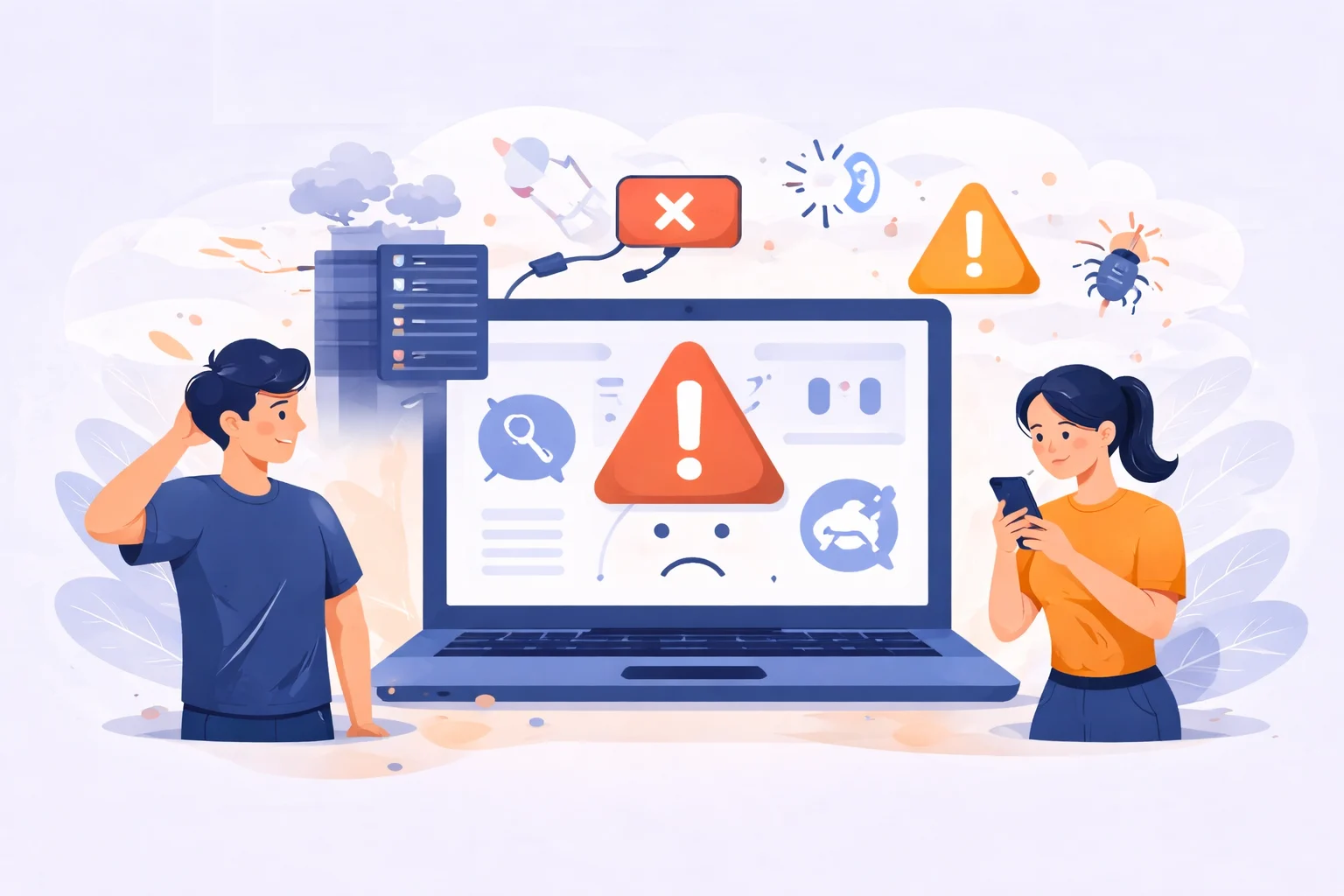
Have you ever woken up, opened your website, and realized something wasn’t working maybe a missing image, a broken link, or worse, the entire site gone offline?
That sinking feeling is every website owner’s nightmare.
It happens more often than people think. Your website down suddenly, without warning. And when they do, traffic drops, leads disappear, and your credibility takes a hit.
But the good news is: most of these issues are completely preventable with proper website maintenance and website security practices.
Let’s explore why websites can suddenly break and what can be done to keep yours safe, fast, and running smoothly.
The Hidden Reasons Website Down Suddenly
Websites are like living systems. Behind every page are thousands of files, scripts, and plugins working together.
When one of them stops working it can take everything down with it.
Here are some of the most common reasons a website can break overnight:
1. Skipped Website Maintenance
Most people set up their website and then forget about it.
But just like a car, a website needs regular check-ups.
- Plugins and themes get outdated
- Old scripts stop working with new browsers
- Server configurations change
- Backups fail silently
Without routine website maintenance, even a small update can cause pages to load incorrectly or features to stop working.
2. Poor Website Security
Cyberattacks are one of the biggest reasons websites crash unexpectedly.
Hackers often exploit outdated plugins or weak passwords to inject malware or take control of your site.
Once that happens, your hosting provider might suspend your website to prevent further damage leaving your visitors staring at an error page.
Common security mistakes include:
- Ignoring software updates
- Using the same password everywhere
- Not setting up a firewall
- Forgetting to back up the site
That’s why website security should never be an afterthought.
Learn more about protecting your website from hackers on Google’s official web security guidelines.
3. Hosting and Server Issues
Even if your website is perfect, your hosting server might not be.
Sometimes a sudden traffic spike, expired domain, or configuration error can break the connection between your site and its server.
Choosing a reliable host and monitoring your uptime can help prevent sudden downtime.
4. Human Error
It happens to everyone.
Maybe someone accidentally deleted a file or pushed a wrong code update.
Even a small change in the wrong place can make your site go blank.
That’s why a good backup strategy is non-negotiable.
Why Website Maintenance Matters More Than You Think
People often assume once a website is launched, the work is done.
But in reality, that’s just the beginning.
Regular website maintenance keeps everything running behind the scenes ensuring your visitors always get a smooth experience.
Here’s what good maintenance usually includes:
- Updating plugins, themes, and CMS
- Testing forms and links
- Cleaning up old files and spam comments
- Monitoring website speed and uptime
- Backing up files regularly
When done consistently, these small steps prevent bigger problems.
It’s not just about fixing what’s broken it’s about stopping things from breaking in the first place.
The Role of Website Security in Preventing Breakdowns
Security isn’t just about avoiding hacks it’s about protecting your digital reputation.
Imagine someone injects malicious code into your website.
Google might flag your site as unsafe, which can instantly kill your SEO rankings and traffic.
Strong website security means:
- Using SSL certificates
- Installing a web application firewall (WAF)
- Keeping everything updated
- Scanning regularly for malware
- Restricting admin access
Even small businesses are common targets for attacks, simply because their sites are easier to exploit.
So, whether your website has ten pages or a thousand security must be part of your routine.
How to Prevent Your Website from Breaking Overnight
The solution is simple: stay proactive.
Here’s what any website owner can do today:
- Set a Maintenance Schedule
Check and update your site weekly or at least monthly. Use reminders or tools that automate updates safely. - Back Up Everything
Always keep multiple backups — both on your server and externally. Tools like UpdraftPlus or Jetpack Backup can make this effortless. - Invest in Security Tools
Firewalls, malware scanners, and SSL certificates protect your site from common threats. - Monitor Your Site’s Health
Use uptime monitors and performance tools to catch problems early. - Work with a Website Maintenance Service
If you don’t have time or technical experience, partnering with a maintenance team can save you headaches.
They’ll handle updates, backups, and website security — so you can focus on running your business.
Final Thoughts
Your website is one of your most valuable digital assets.
But without proper care, it can easily fall apart sometimes overnight.
Regular website maintenance and strong website security are your best defenses against downtime, data loss, and unnecessary stress.
Think of it as taking care of something that represents you 24/7 because your website never sleeps, even when you do.
If you don’t have time to handle all the updates, backups, and security checks yourself, let the experts take care of it for you.
Visit Manage My Site to keep your website secure, healthy, and performing at its best day and night.


3 Responses